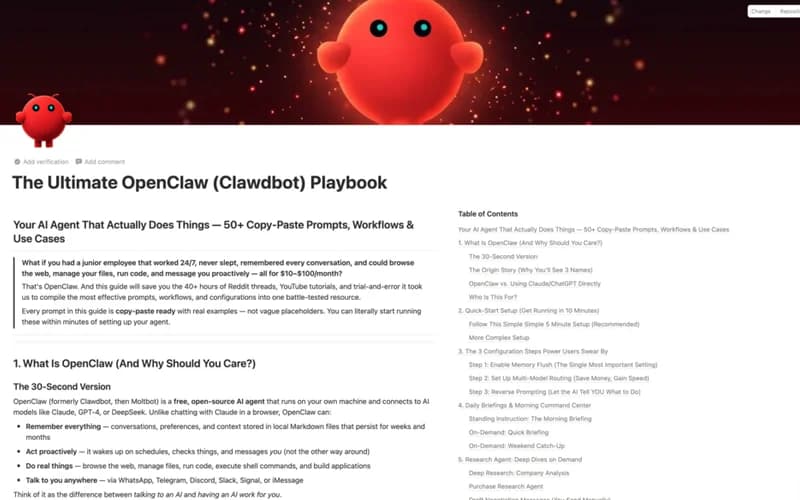
ClawdBot Setup and Operator Playbook
50+ prompts and workflows for OpenClaw. Full setup guide with safety guardrails, memory flush, multi-model routing, and automation.
Most OpenClaw users never get past the basics. They install it, send a few messages, and wonder why it feels clunky or expensive. The problem isn't OpenClaw. It's running it without a system.
This playbook gives you a completely different approach. Instead of figuring it out piece by piece, you get the exact prompts, safety configs, and automation workflows I use every day. Everything is copy-paste ready inside a Notion guide.
What's inside#
- 50+ copy-paste prompts organized by workflow (research, writing, coding, analysis), so you skip the blank-page problem and start getting useful output from day one
- Safety guardrails setup that prevents accidental data exposure and runaway API calls, which means you can hand OpenClaw real tasks without worrying about what it might do
- Multi-model routing configuration that sends the right task to the right model (Claude for writing, GPT for code, Gemini for research), so you get better results and lower costs simultaneously
- Automation workflows for recurring tasks like inbox triage, content repurposing, and data extraction, which means hours of manual work disappear from your week
- Morning briefing system that summarizes your calendar, priorities, and key metrics before you start working, so you begin every day with clarity instead of inbox chaos
- Memory flush protocol that keeps OpenClaw fast and focused by clearing accumulated context at the right intervals, which means it stays sharp instead of slowing down over time
Who this is for#
- You use OpenClaw but feel like you're only scratching the surface
- You want AI handling repetitive tasks so you can focus on higher-value work
- You're spending too much on API calls and want to route models efficiently
- You set up OpenClaw but never configured safety guardrails properly
Who this is NOT for#
- You're looking for a general AI course (this is specifically for OpenClaw operators)
- You want someone to set it up for you (this is a self-service guide with clear steps)
What you get
Common questions
No. Every prompt is copy-paste ready. The guide walks you through each step with screenshots.
The guide covers core workflow patterns that stay stable across updates. I keep it current.
This is built for that. The setup section takes you from install to fully configured in one session.
Yes. If it doesn't help you, reach out within 30 days and I'll refund you, no questions asked.