The AI Video Prompt Blueprint.
The 3-beat formula, the 5 anchors of a working prompt, and copy-paste templates for Reels, TikTok, and Shorts. Built for restaurants, cafes, food trucks, bakeries, gelato shops, wine bars, and food brands that want AI video without a crew or a studio.
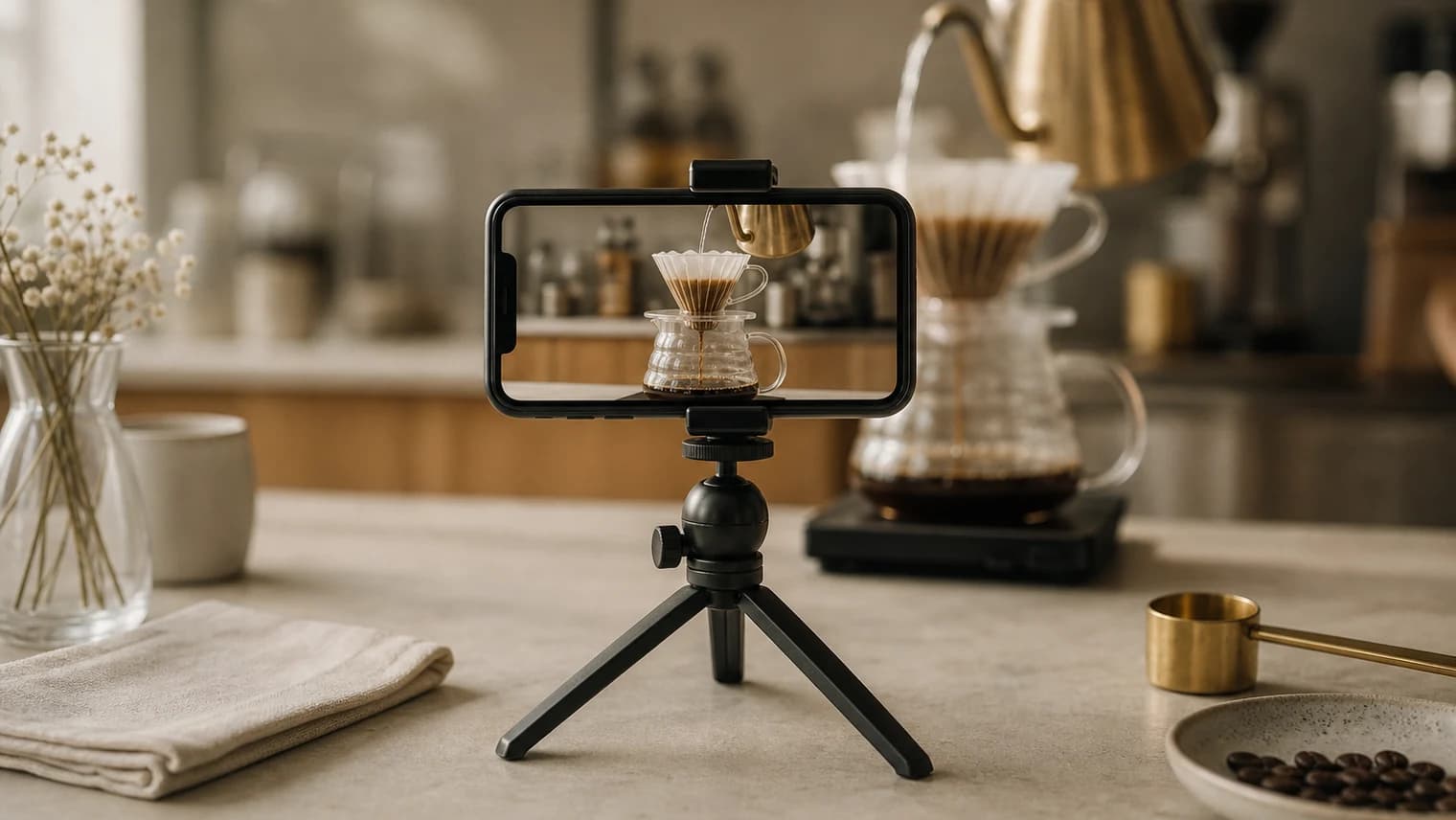
The tools are good enough now that a single operator can produce a week of high-performing short-form video on a laptop, without a crew or a studio. What you need is a system. Most prompts fail because people write them like a description to a friend. I spent months testing the major models (Seedance 2.0, Sora 2, Kling 3.0, Grok Imagine), kept what worked, and compressed it into a framework you can copy, swap, and ship.
The full blueprint lives in Notion — 11 chapters, every prompt template, the @ Reference System, multi-shot direction, the failure modes that kill outputs, and the technical settings that matter. This page is the 5-minute preview.
The full blueprint
Open the AI Video Prompt Blueprint in Notion
Free, public, no login. 11 chapters, every prompt template, every model-specific quirk, and the workflow that ships in 20 minutes per video.
Open the full guide in NotionWhat's inside the full Notion guide
- Which model for what: Seedance 2.0 vs. Sora 2 vs. Kling 3.0 vs. Grok Imagine, and when each one wins for F&B.
- The 3-beat formula: hook, tension, payoff. The structure every short-form video needs to survive scroll.
- The 5 anchors of a working prompt: the only five things you should specify. Everything else is seasoning.
- The Seedance 2.0 prompt formula: the 50-to-70-word template that consistently produces usable output.
- The @ Reference System: how to lock your product, voice, and motion across every shot.
- Multi-shot direction: direct 4 to 6 cuts inside a single 15-second generation like a film crew.
- 9 copy-paste F&B prompt templates: hero, ASMR, TikTok sweep, dry ice opener, multi-scene commercial, plus more.
- The pre-generate checklist: the 7 questions to walk through before you hit submit.
The framework, in 60 seconds
Every short-form video that performs follows the same 3-beat structure. Skip a beat and the video gets scrolled past.
| Beat | Timing | Purpose |
|---|---|---|
| Hook | 0 to 1s | Pattern interrupt. Something visually unusual or irresistible. |
| Tension | 1 to 5s | One action that creates suspense or satisfaction. |
| Payoff | Last 2 to 3s | The illusion breaks or the transformation completes. |
End on a loopable pose: a stare into camera, a perfect hero shot, a settled-back-to-start position. Loopable endings trigger auto-replay on Reels and TikTok, which is one of the strongest signals to the algorithm.
The 5 anchors of a working prompt
Stop trying to specify every detail. Lock these five and leave the rest to the model.
- Format or style. Doorbell cam, macro ASMR, cinematic ad, GoPro adventure, beauty commercial.
- Hero subject. One subject. A scoop of pistachio gelato, a flat white, a single croissant. Not three.
- Material or texture. Glossy, layered, flaky, condensation on a cold glass.
- Action choreography. Three to six beats written simply: enters, pauses, twist, reaction.
- Payoff. Loopable stare, transformation complete, satisfying click, hero hold.
Sample prompt: hero shot, single product, golden hour
Eight more templates (ASMR, TikTok sweep, multi-scene commercial, dry-ice opener, product shot using your real photo, and more) are in the Notion guide.
Subject: Single scoop of pistachio gelato in a waffle cone, bright green
with visible nut pieces.
Action: Remains perfectly still, a single drip of gelato slowly cascades
down the cone.
Camera: Extreme close-up macro, slow dolly-in 1 foot, slight upward tilt,
tele lens feel.
Style: Soft golden hour backlighting from behind, warm amber tones,
shallow depth of field with bokeh street background.
Constraints: No text, no hands, hold final hero frame 2 seconds. 8 seconds total.
The Notion guide explains why this structure works for Seedance 2.0 specifically — and how to adapt the same template for Kling 3.0, Sora 2, and Grok Imagine.
Now open the full blueprint.
11 chapters, every prompt template, the @ Reference System, and the workflow that ships in 20 minutes per video.
Open the full guide in NotionSevenposts handles the image side: weekly branded social posts, captions, and hashtags from your real product photos in one pass. Use this guide for video. Together, that's a full week of content built on the same brand anchors.