How to Use Seedance 2.5 to Make Viral AI Videos (I Tested 50 Clips)
Seedance 2.5 makes 30-second AI videos with real audio and lip sync. Here's how to use it in Artlist, what it costs, where it still falls short, and the exact prompts I used.
 By Moe Lueker
Seedance 2.5 just launched, and it might be the best AI video model out right now.
I made over 50 clips with it to find where it breaks. Some of them you honestly cannot tell are AI anymore. That is the part that got me. We just hit the point where a person scrolling their feed can't spot the fake.
This is the full hands-on. What actually changed in Seedance 2.5, how to use it inside Artlist, what it costs, where it still stumbles, and the exact prompts I used so you can copy them.
What's New in Seedance 2.5#
Three things changed, and together they are why the clips look real now.
- One 30-second take. You can generate up to 30 seconds in a single continuous shot, no stitching. Most models still cap out around 8 to 15 seconds, so this alone is a big jump.
- Audio generated with the video. Sound effects, ambience, music, and dialogue come out in the same pass. On spoken lines the lip sync matches the mouth, so you don't need a separate voiceover or lip-sync tool.
- Character and product consistency. It holds the same face, outfit, and product across a multi-scene skit. That is what lets you build a full 30-second story with two people talking instead of one lonely clip.
On top of that, prompt adherence is noticeably better than Seedance 2.0. When I write a specific shot, I get that shot far more often than I used to.
The Catch: 720p and a Few Other Limits#
I want you to know the honest limits before you spend anything.
Right now on Artlist, Seedance 2.5 caps out at about 720p. A lot of people are expecting 4K or at least 1080p. Based on how ByteDance has rolled out past models, I'd bet higher resolutions show up soon, but that is my guess, not a promise. Do not go in expecting 4K today.
A couple of other spots where it still stumbles:
- Fast, complex hand movements can still glitch the fingers.
- Very small on-screen text can render wrong.
Here is the surprising part. It is actually good at logo consistency, and it renders some text correctly, which most models still butcher. So it is not all bad news on the text and branding side.
How to Access Seedance 2.5#
You have two easy ways in. No Chinese phone number or workaround needed like the early Seedance 2.0 days.
Artlist (what I used)#
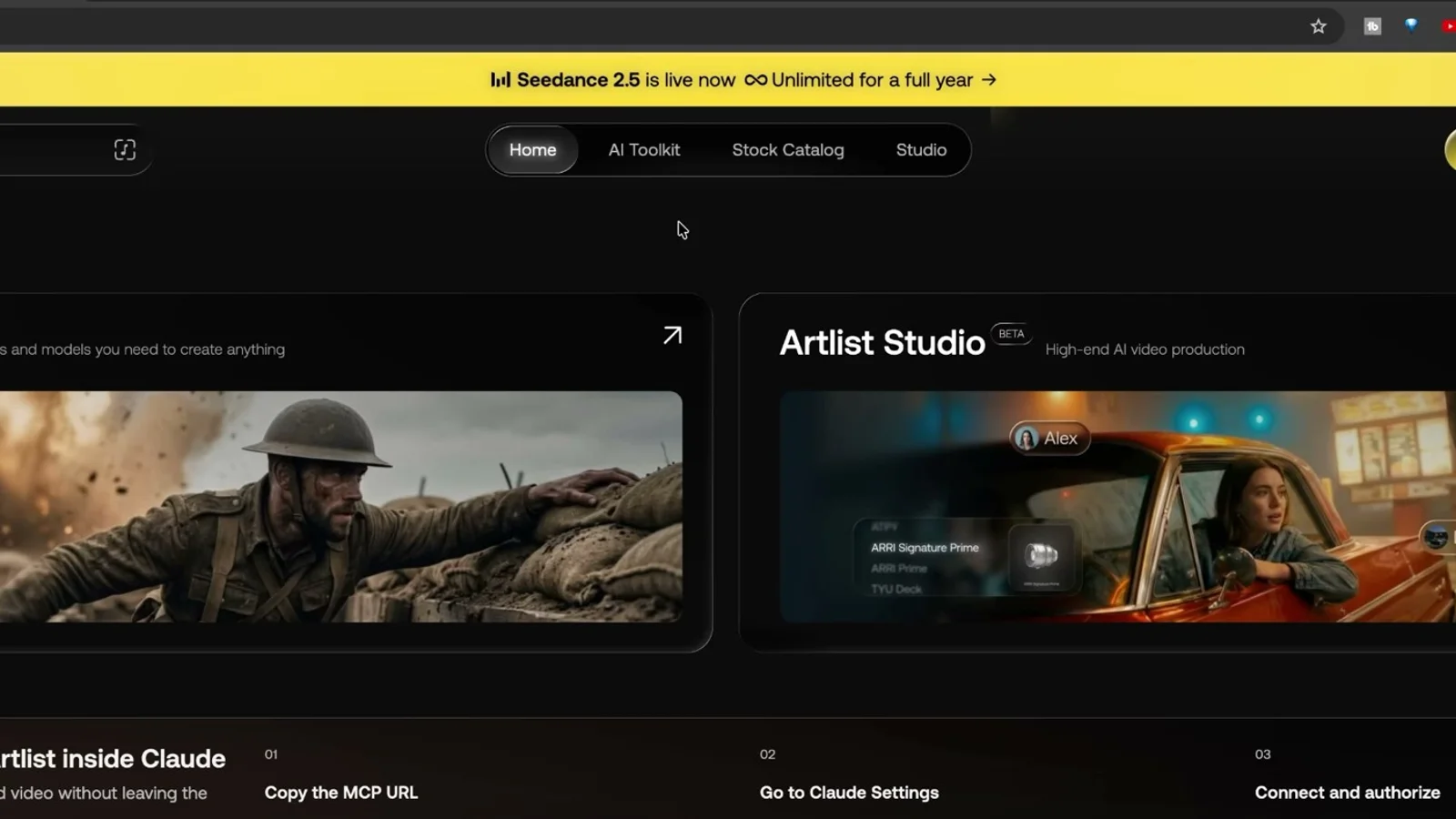
Artlist sponsored this video and set me up with the plan, so this is where I ran all 50 of my tests. Seedance 2.5 is live inside their AI suite. You can run it in the AI Toolkit for single clips or in Artlist Studio for full projects, and line it up side by side against Gemini, Kling, and the other top models to compare the same prompt.
OpenArt (the alternative)#
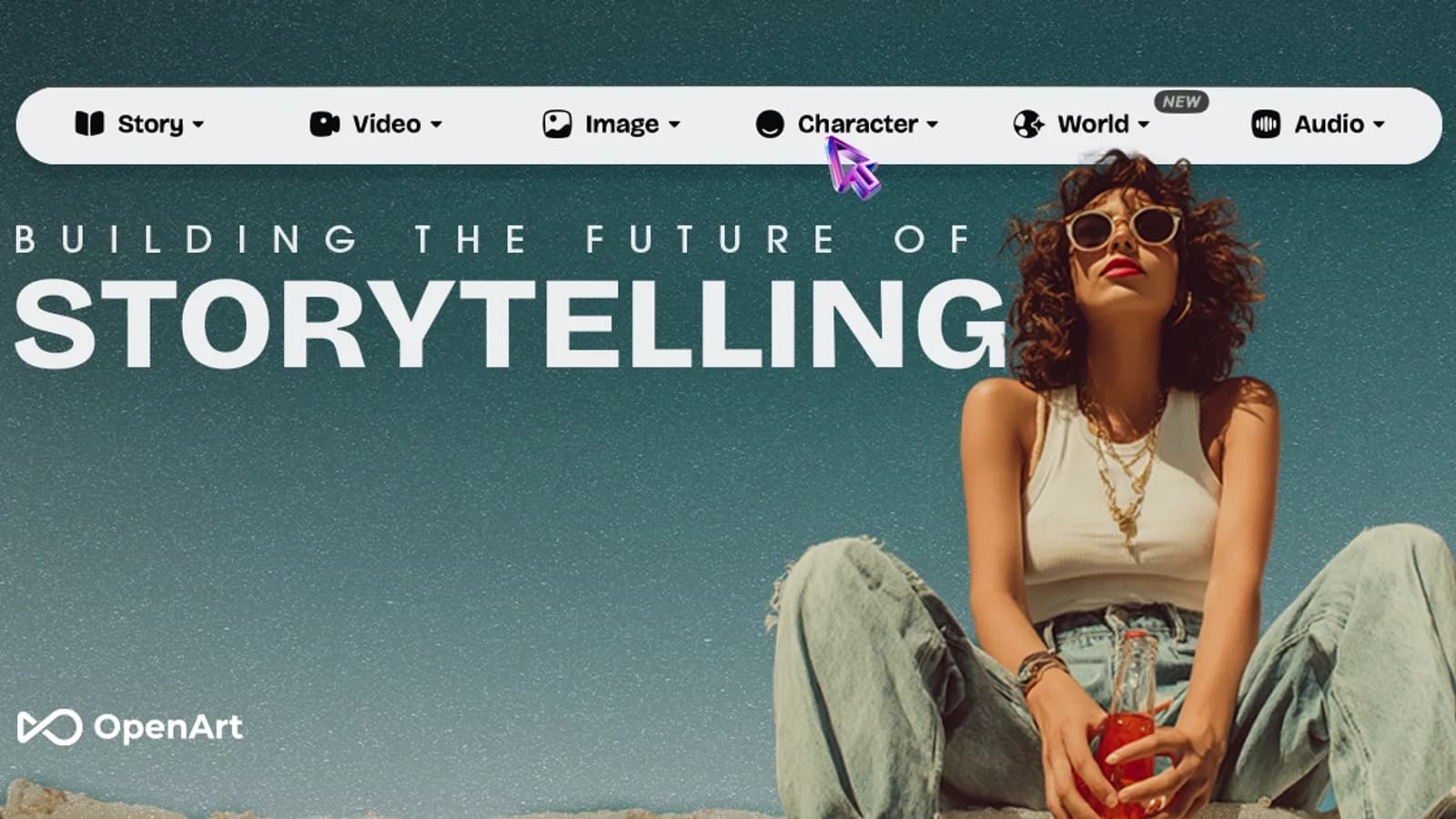
Rather not go through Artlist? OpenArt hosts Seedance on its team plans, the same route I used for Seedance 2.0 back when it was US-blocked.
What Seedance 2.5 Costs#
Quick note on pricing, because it is not the cheapest model. It is priced like the best one.
On Artlist, a 10-second Seedance 2.5 clip runs about 5,000 credits, and credits work out to roughly 2,000 per dollar, so about 25 cents per second. The AI Creator plan (around $41.67 a month billed annually) bundles a credit pool plus unlimited generations on lighter models like VEO 3.1 Lite and Seedance 2.0 Mini, so you can draft for free and spend credits only on the premium Seedance 2.5 renders. If you generate a lot, the unlimited Artlist plan is the one to look at.
If you would rather skip the subscription and go straight to the API, or you want it unlimited on one flat bill, the price gap is smaller than you would think. I put the full side-by-side (the official API versus Artlist versus OpenArt, priced per second of 720p video) in the Seedance 2.5 pricing breakdown.
How to Prompt Seedance 2.5#
The prompt is what separates a viral clip from AI slop. Two formats cover almost everything.
For a single cinematic shot, write one vivid paragraph. Name the subject, the action, the setting, one clear camera move, and the audio. Keep any spoken line in quotes and under about 8 words so the lip sync stays clean. Then let the model handle the cinematography. You do not need to stack five camera moves.
For a 30-second skit, write a shot list. Label each shot with a timecode, a shot number, the camera move, the action, and what the characters say. Lock your characters and product at the top and repeat them so nothing drifts. That structure is what keeps a multi-scene story consistent.
For product shots, add one clean reference image so your real product keeps its exact label. Tag it into the prompt and generate.
When a clip is close but not quite right, change only the weakest part (the subject, the motion, or the audio) and regenerate. Do not rewrite the whole prompt every time.
The 10 Styles I Tested#
I ran Seedance 2.5 across ten different styles to see what it could actually do. A few standouts:
- Cinematic no-reference shots. A macro zoom-out, a bioluminescent surfer, a cliff jump, a mountain biking POV. These need zero assets and came out looking like they were shot on a real camera.
- ASMR product shots. Chocolate poured over a glass sphere. The gold flakes gave it away up close, but the pour itself looked real.
- UGC talking heads. This is the one that matters for business. A person on a beach or in a coffee shop talking to camera, with the lips synced and the room sounding real. No camera, no actor, no mic.
- Multi-character skits. Full 30-second scenes with two people talking, the same faces the whole way through, comedic pauses and all. The "tell me this shot is fake" one was my favorite.
- Product commercials. Drop in one reference image of a real product and generate a 30-second ad that keeps the label consistent.
The takeaway: cinematic B-roll is fun, but UGC ads and product commercials are where this pays for itself. If UGC ads are your main goal, my Zeely AI review shows a tool built around them, with Kling 3 Pro and Seedance 2 running inside a full ad workflow.
Grab Every Prompt From the Video#
I put every prompt I used into a free Seedance 2.5 Prompt Playbook. It has 33 copy-paste prompts, each with the aspect ratio, length, and audio already set, plus the two prompt formats and a breakdown of what the model is good and bad at.
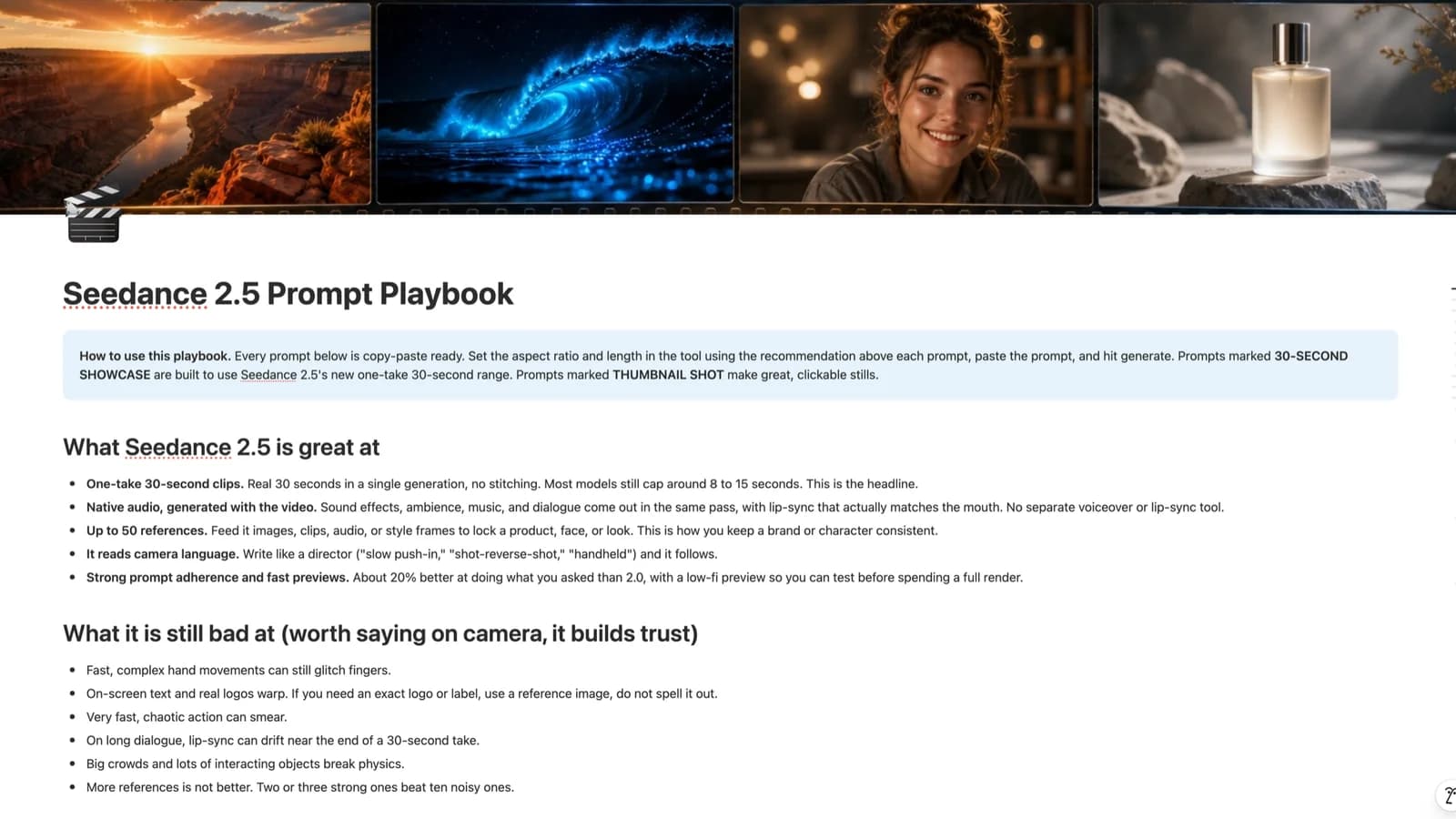
Grab it free here: Seedance 2.5 Prompt Guide.
If you want the bigger library with other models like Grok and Kling and another 100 prompts, that lives in The Viral AI Video Prompt Blueprint.
Is This Dystopian or Amazing?#
Both, honestly. It is a little unsettling that you can't always tell what's real anymore. It is also the most capable creative tool I've put my hands on.
If you make content, this is worth learning now, while most people are still typing prompts that give them melted faces. Start with a cinematic no-reference prompt for a guaranteed win, then work up to a UGC ad for your own product.
Want more of this? I broke down the same idea with other tools in how I built a real AI commercial with Artlist Studio, and if you're weighing models, here's what Seedance 2.5 actually is and how it compares to Kling 3 and Gemini Omni.
Watch the full walkthrough on YouTube: youtu.be/Q93530JhcGo. Then tell me what you end up making.
Some links above are affiliate links, so I may earn a commission at no extra cost to you. I only recommend tools I actually use.
Moe shares tool walkthroughs and lessons from real projects. Mechanical engineer, then venture capital, now building AI tools for creators and small businesses. More about Moe
Get new videos in your inbox
Weekly AI workflows. No fluff.
No spam. Unsubscribe anytime.