Free Wispr Flow Alternative: I Built My Own With Claude Code and Gladia
I built my own free Wispr Flow alternative by forking Gladia's open-source dictation app with Claude Opus 5.5. Every step, prompt and link, no terminal needed.
 By Moe Lueker
I talk to my computer way more than I type on it. Prompts for Claude, emails, notes, code comments. So I got tired of paying a monthly subscription for something I do every single day, and I built my own dictation app instead.
I didn't start from scratch. Gladia, the company behind the speech engine I use, open-sourced its own dictation app, GladiaFlow, under the MIT license. I forked it, renamed it Saydrop, and added three features with Claude Opus 5.5 in Claude Code. I never opened a terminal. The agent ran every command.
Here's the whole build, what it costs to run, and when you're better off with a finished app instead.
The shortcut: GladiaFlow is already built#
Every time I tried to build a dictation app before, the speech part stopped me. Getting text back fast and accurately while you're still talking is the hard problem. GladiaFlow already solves it. You hold a hotkey, talk, let go, and the text lands wherever your cursor is. It runs on Mac and Windows.
You can stop right here and just use it. Download it, paste in a Gladia API key, and you have a working dictation app for free.
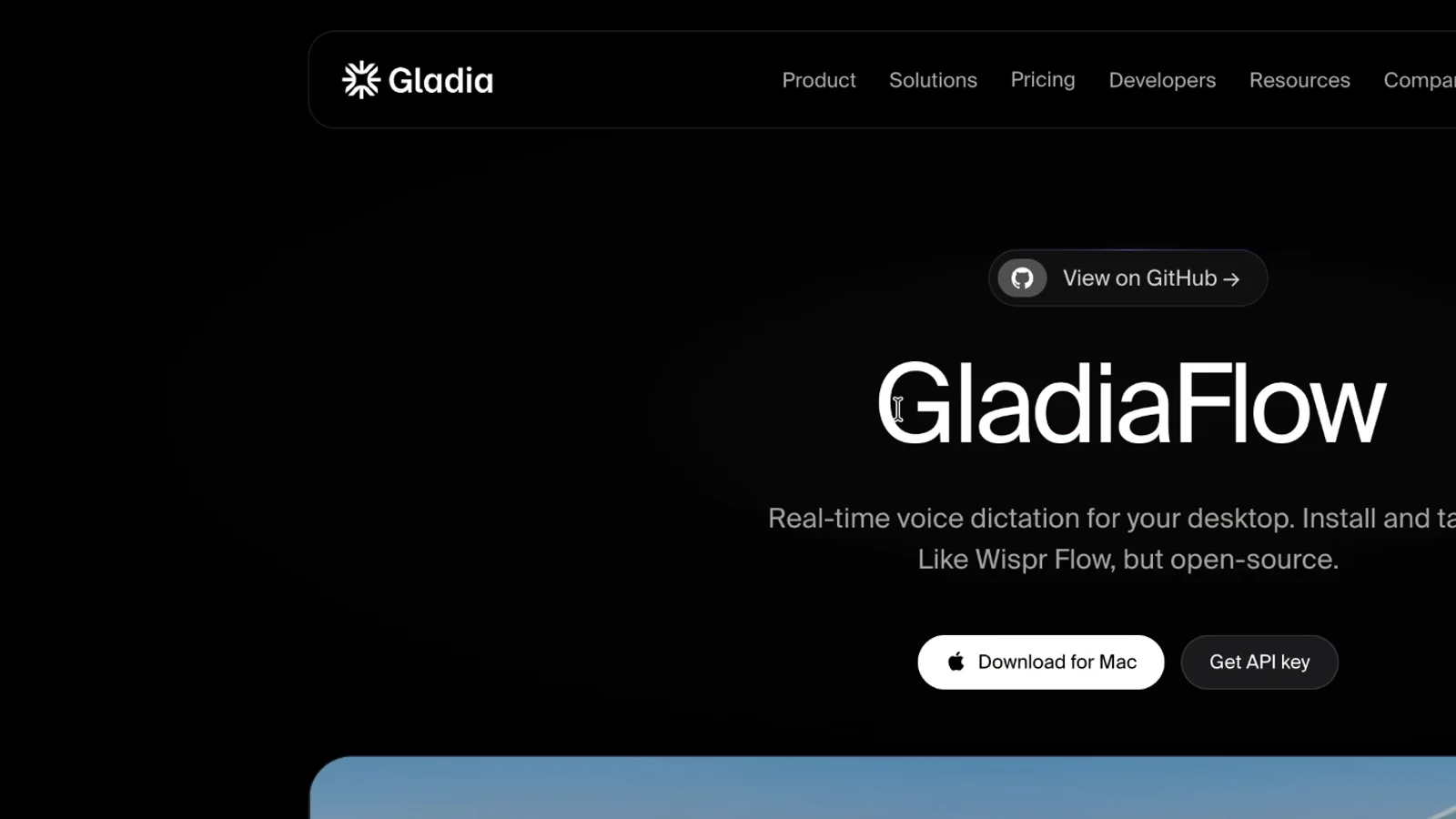
The source code is on GitHub too, which is what makes the rest of this possible: GladiaFlow on GitHub.
Step 1: Get a Gladia API key and try the playground#
The app is only half of it. The other half is the speech engine. GladiaFlow streams your microphone to Gladia's real-time API and gets text back while you're still mid-sentence.
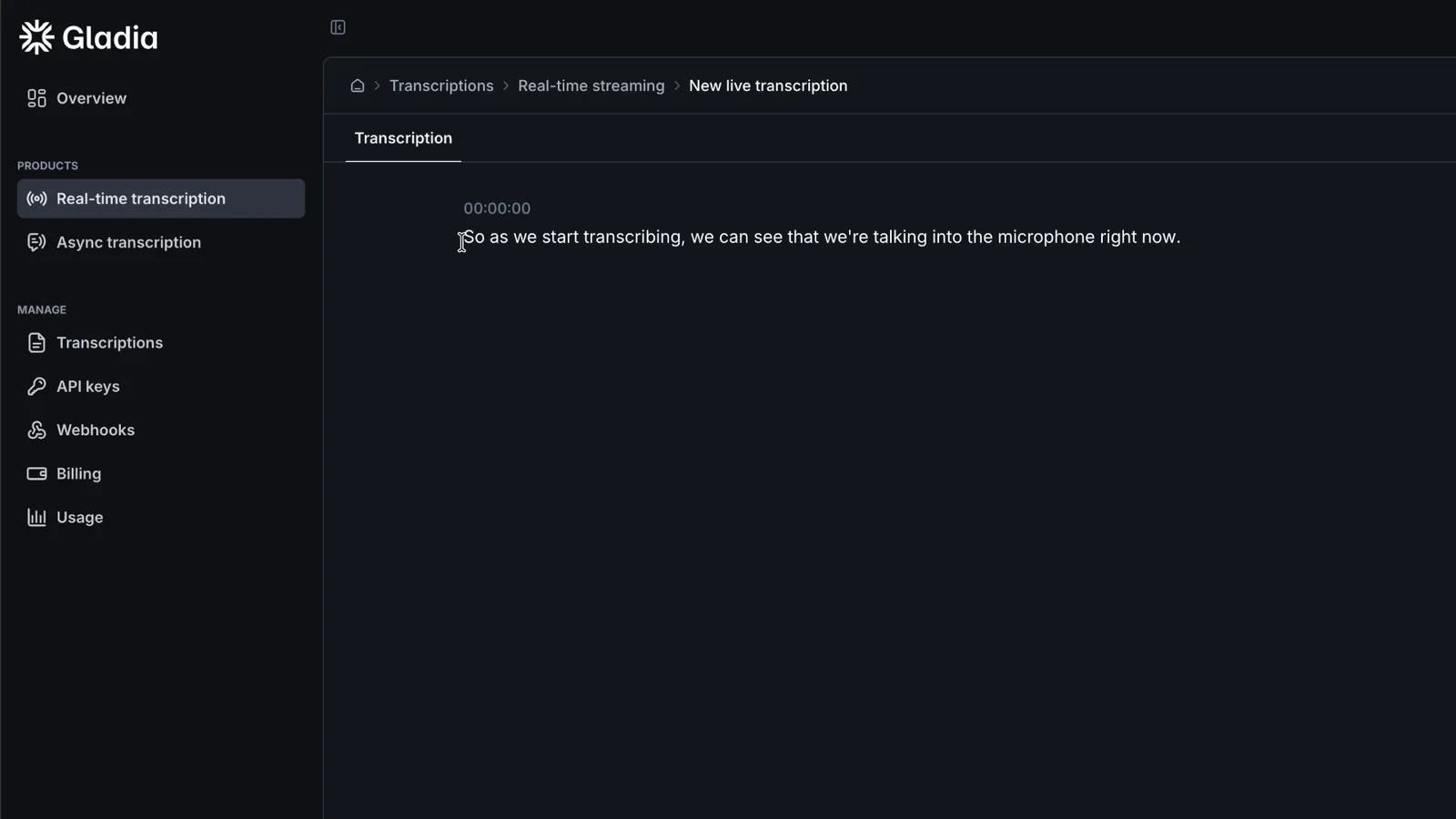
Gladia partnered with me on this video, and I was happy about that, because I already use the API constantly. Before you build anything, open the playground in your dashboard, hit record and talk for 20 seconds. You'll see the transcript appear live, split into paragraphs, and you can export it as SRT, JSON or plain text. The JSON gives you millisecond timestamps and a confidence score for every word, which is handy if you ever build something more technical on top.
Here's what it costs, from Gladia's pricing page on September 29, 2026:
| Starter (pay as you go) | Growth | |
|---|---|---|
| Real-time (what dictation uses) | $0.75 per hour | from $0.25 per hour |
| Async (recorded files) | $0.61 per hour | from $0.20 per hour |
| Free credit for new accounts | 50 EUR, roughly 60+ hours of real-time |
That's per hour you actually talk, not per month. My code MOELUEKER75 adds another 75 EUR of credit on the Starter plan on top of the standard 50 EUR, so you can dictate for a long time before you pay anything.
Then go to API keys, create one, and paste it into GladiaFlow. Set your own hotkey in the app settings and try it in Notes. In my experience it works a lot better than Apple's built-in dictation.
Step 2: Fork it and let Claude Code build it#
This is where it becomes yours. On the GladiaFlow GitHub page, click Fork and give your copy its own name. I called mine Saydrop, because when I say something, it drops right where my cursor is.
Then open an empty folder in the Claude Code app (Codex works too) and paste the setup prompt from my free guide. It clones your fork, checks you have Node.js and Rust, installs everything and launches the app. I ran it on Claude Opus 5.5 at medium effort, which was plenty. If you're curious why that's my default, I wrote up my Claude Opus 5.5 review, and if you want to run the same prompts on a different model, here's how to change the model in Claude Code.
A few minutes later I had the full app running from my own repository, and it had even picked up my API key from the earlier setup.
Step 3: Add the features you actually want#
Out of the box, GladiaFlow has two weak spots I wanted to fix.
The little bars that show you're recording are fake. They're a CSS animation on a loop, so they move the same whether you're talking or silent. And the stats only count total words and total time. There's also no light theme.
So I gave Claude Code one prompt per feature:
- A waveform that follows your voice. The Rust side already measures your microphone level, so the prompt pipes that through to the interface. Now the bars jump when you talk and drop when you stop.
- A floating pill. I wanted the waveform on screen wherever I'm dictating, not just inside the app window. One follow-up prompt gave me a small pill I can drag anywhere.
- Streaks, words per minute and a weekly chart. Your streak, how fast you talk, and a seven-day bar strip on the home screen.
- A light theme, with a System, Light and Dark switch in the settings.
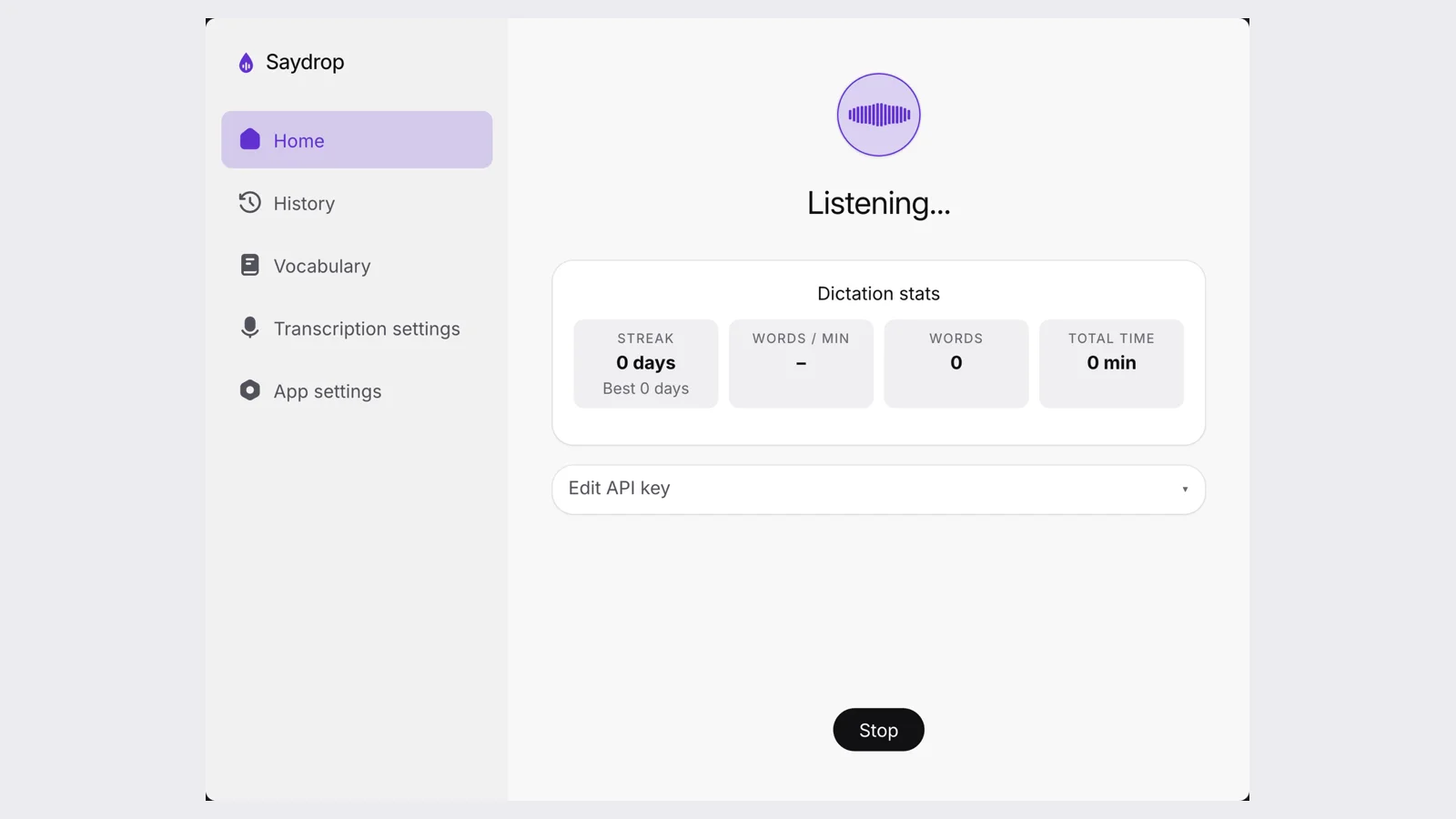
You can run the prompts one at a time and test as you go, or paste the all-in-one version and let the agent do all three in a row. One at a time is easier to follow.
Step 4: Rename it and publish it#
The code is MIT licensed, but Gladia's name and logo are trademarks. GladiaFlow's own TRADEMARKS.md says a fork needs its own name and has to replace the Gladia logos. So the last prompt renames everything to Saydrop, swaps the icons and keeps Gladia's copyright line in the license, which is exactly what MIT asks for.
Then I told Claude Code to commit and push to my GitHub. Saydrop is public now, so you can start from my finished version instead of from scratch.
Every prompt from the video is in my free guide, together with a fix-it section for the errors people usually hit (an old Rust version, double pasting, Mac permissions).
What else you can build on the same API#
Dictation is one use of live speech-to-text. The same Gladia session can power an AI meeting note taker, a voice journal or a voice command tool. The free guide includes a prompt that asks your coding agent to plan a note taker from this codebase before writing any code, so you can see how big the change is first.
Some links above are affiliate links, so I may earn a commission at no extra cost to you. I only recommend tools I actually use.
Watch the full walkthrough on YouTube: I Built My Own Free Wispr Flow Alternative With Opus 5.5 (Gladia Tutorial)
Moe shares tool walkthroughs and lessons from real projects. Mechanical engineer, then venture capital, now building AI tools for creators and small businesses. More about Moe
Get new videos in your inbox
Weekly AI workflows. No fluff.
No spam. Unsubscribe anytime.