Can Claude Make Videos? 3 Ways That Work (and What They Cost)
Can Claude make videos? It can animate with code, but it can't generate real footage alone. The 3 setups that make videos with Claude, with what each costs.
 By Moe Lueker
Short answer: Claude can make animated videos, but it can't generate realistic footage on its own. Claude writes text and code. It has no video model built in. To get footage that looks filmed, you connect Claude to a video model, usually through an MCP server, and let it call that model for you.
So the real question is which kind of video you need. I've made both kinds with Claude: animated explainers rendered from code, and a 30-second cinematic ad that Claude directed shot by shot. Here are the three setups that work, what each one is good at, and what they cost.
| Setup | What you get | Realistic footage or people? | What it costs |
|---|---|---|---|
| 1. Animate with code | Explainers, animated charts, titles, motion graphics, MP4 export | No | Your Claude plan |
| 2. Connect a video model through MCP | AI footage, voiceover and music, cut into a finished video | Yes | Generation credits on the video platform |
| 3. Claude plans, you generate | Script, shot list and exact prompts you paste into a video app | Yes, from your video tool | Your video tool's plan |
Can Claude do animated videos? Yes, with code#
This is what most "Claude can make videos now" headlines mean. Claude doesn't draw the frames. It writes code that animates text, shapes, charts and images, and that code renders to video.
In the Claude app: Claude Motion. Anthropic launched Claude Motion on October 8, 2026. It's in beta on Team and Enterprise plans. You ask for an animation in any chat, and Claude builds a short explainer you can export as an MP4. Anthropic is direct about the limit: Motion "doesn't use a video generation model, so it doesn't create realistic footage or people" (Claude Help Center). Because it's code, you can change one word or one number without regenerating the whole thing.
In Claude Code: HyperFrames or Remotion. If you work in Claude Code, you can do the same thing on your own computer with a code-based video framework. I built a skill on HyperFrames, an open-source framework from HeyGen, and the B-roll in my last 20 videos came out of it. Text is real text, so it's always readable, and brand colors are exact. The full build is in I built a Claude skill that makes videos.
This route is great for explainers, data, product walkthroughs and anything with words on screen. It can't give you a person, a castle or a rainy street.
Can Claude make realistic AI videos? Only with a video model connected#
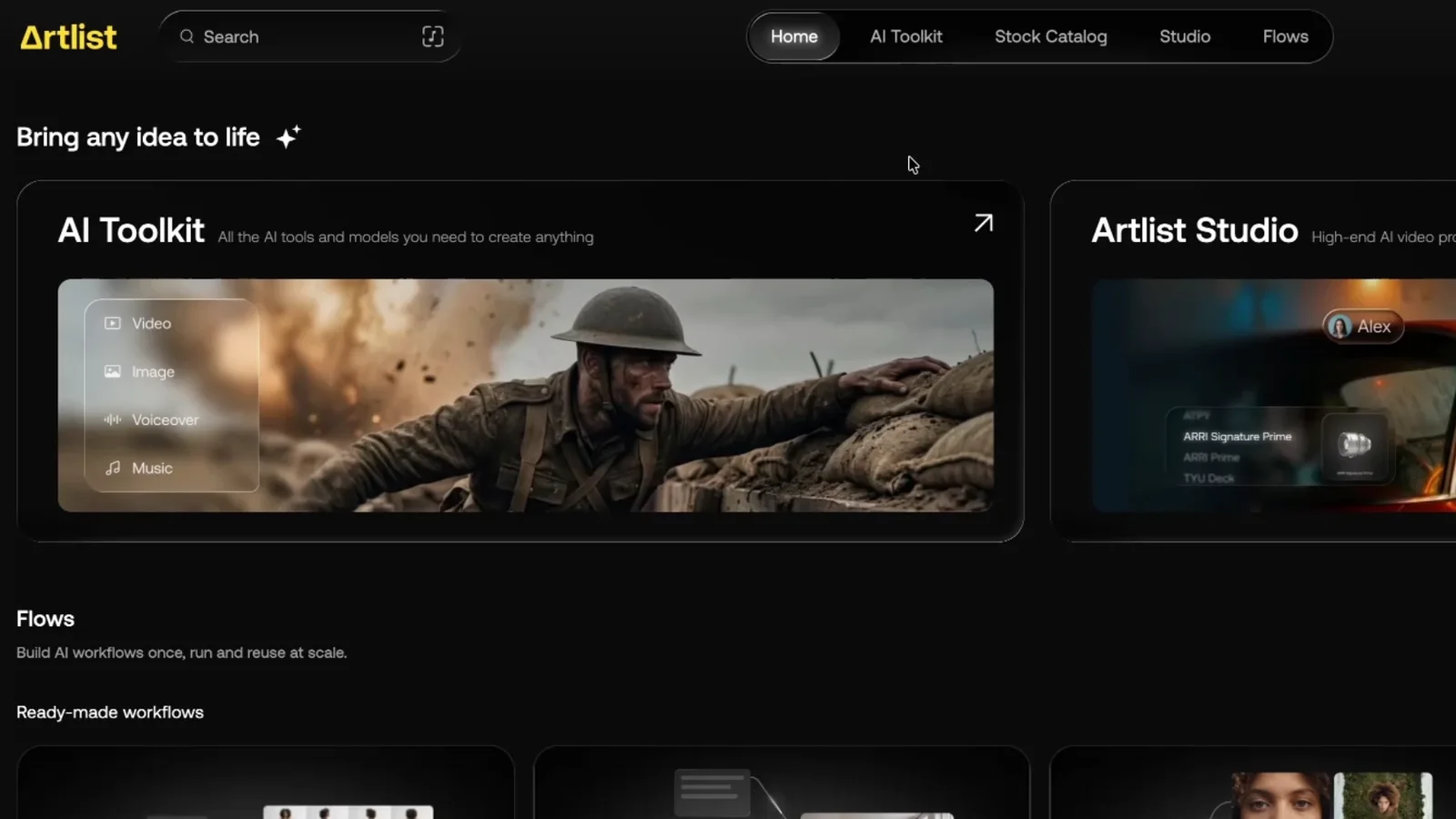
For footage, Claude needs a tool it can call. That's what an MCP server is: a connector that gives Claude new abilities. Connect a video platform's MCP, and Claude can generate images, video clips, voiceovers and music itself.
I connected Claude to the Artlist MCP, which puts the top image and video models in one account. Then I built a skill that turns Claude into a director. It brainstorms concepts, writes a timed storyboard, builds a look kit so the characters and the product stay the same in every shot, drafts at 480p and only renders the approved take at 1080p. I didn't write a single prompt for the video generator.
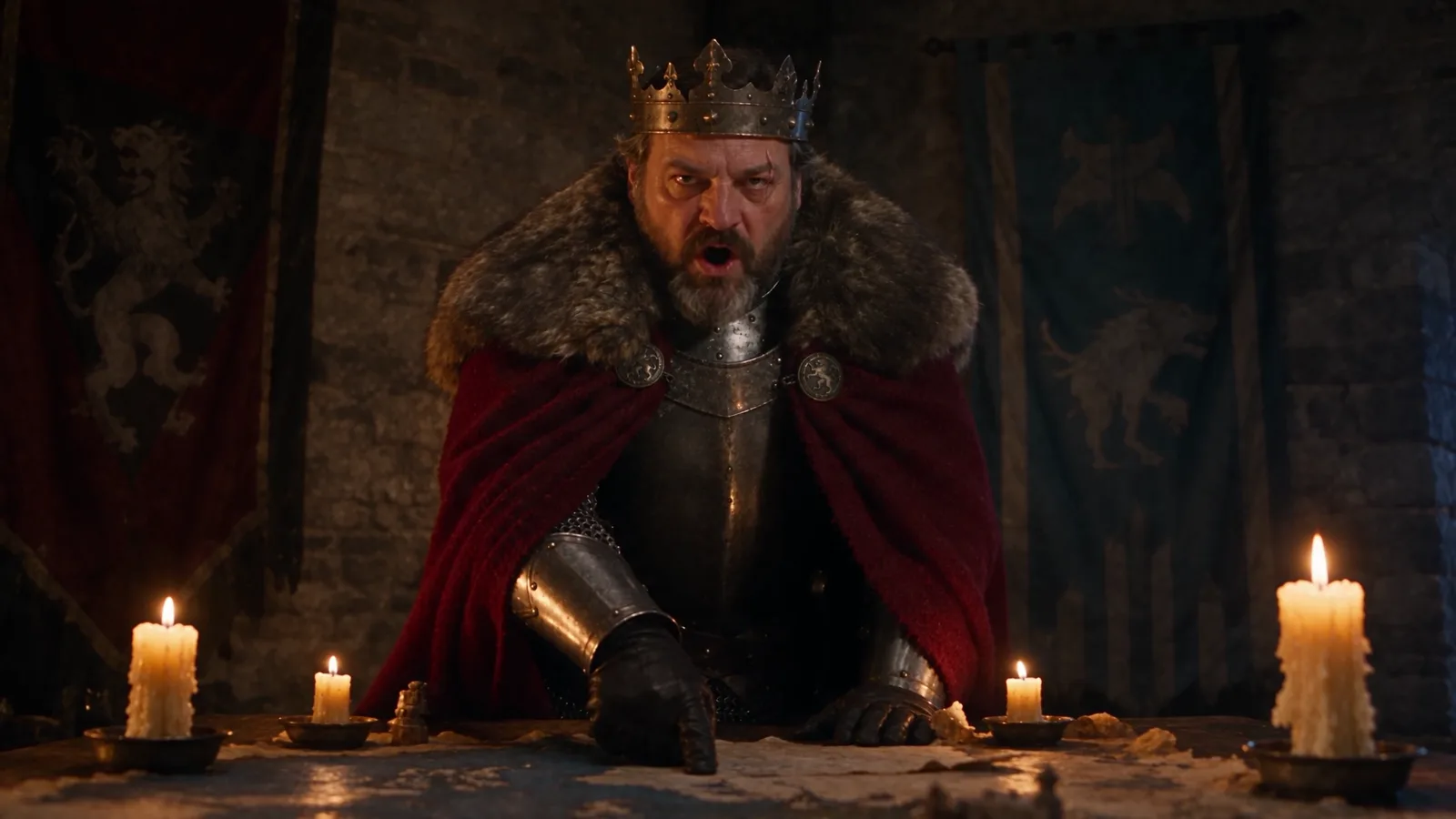
The full walkthrough, with both ads, every checkpoint and the five-step build, is in I built an AI video director skill with Claude Code.
What it costs#
This is the route that spends real money, and every generation through the MCP uses credits, even models that are unlimited inside the Artlist app. My first 30-second ad took about 39,000 credits, about $20 on Artlist's yearly unlimited plan, and most of that was one premium model, Seedance 2.5, at 1080p. A short test film cost about $2.86. With a cheaper video model, a 30-second clip can come in under $5.
Artlist#
Claude plans, you generate#
You don't need an MCP to use Claude for video. Claude is a strong creative planner, so let it do the thinking and do the clicking yourself.
Ask for a concept, a timed shot list and then the exact image and video prompts for each shot. Paste them into a video generator and pick the best takes. Before I had the MCP set up, I made a full product ad this way: a chat assistant wrote the concept and the prompts, and I generated every shot by hand in Artlist Studio. That workflow is in how I built a real AI commercial with Artlist Studio.
This route costs the least if your video plan has unlimited generations, because you only spend on the clips you decide to render. It's also the slowest.
Can Claude make good videos?#
Yes, with the right setup, and the setup matters more than the model. My director skill made an ad where you can't tell the scribe's face is AI. There are still small giveaways, like how he holds the pen, and you usually need a few rounds of revisions.
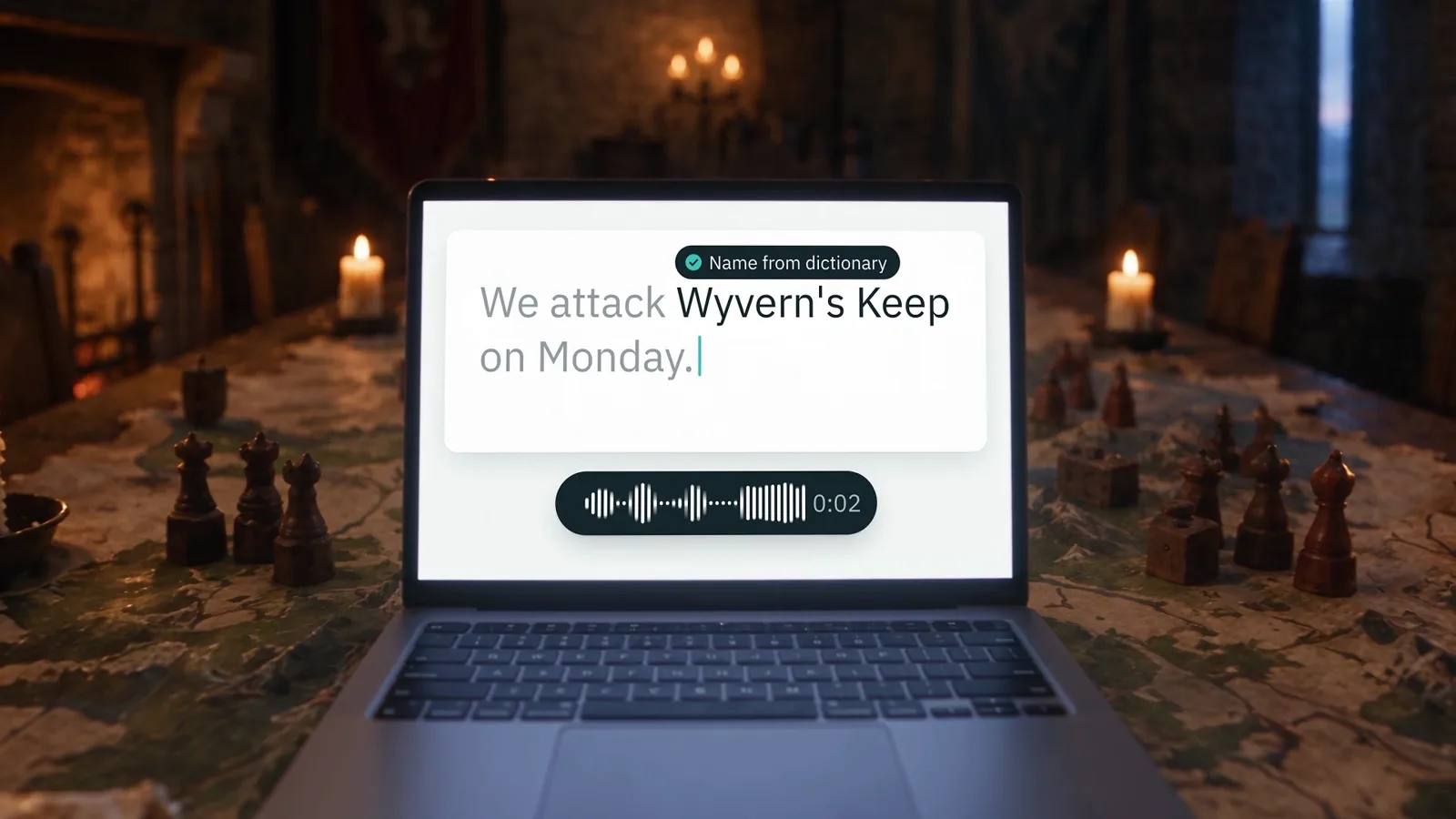
The best results mix routes. AI video still can't draw readable text or a real app screen, so the end frame of my ad, my real app on a laptop, was built with code, not the video model.
Can Claude edit videos?#
In Claude Code, yes. Claude can run command-line tools like ffmpeg on your computer to cut, trim and stitch clips. My director skill stitches every generated clip into one cut on its own. To review its own work, it sends the cut to Gemini for video understanding, with a Claude-only review as the backup, so it catches broken frames before you see them.
Which AI is best for producing videos?#
It depends on the job, which is why my skill ranks the models by strength and price instead of using one for everything. For the final renders I used Seedance 2.5, which is one of the most expensive video models. Drafts don't need it.
If you're comparing generators directly, I ran three of the big ones through the same five prompts in Kling 3.0 vs Sora 2 vs Veo 3.1.
How to start#
If you want explainers and charts, start with Claude Motion or a HyperFrames skill. If you want footage, connect a video MCP and give Claude a director skill so it plans before it spends.
Every prompt I used to build the director skill, plus the film research library behind it, is in the free guide: get the free guide and research.
I dictated all of those long prompts with Rambleproof, the Mac dictation app I built. It's also the app both ads were made for.
Claude won't film your video. Give it the right tools and it will direct one.
See the whole build on YouTube: I Built an AI Video Director Skill with Claude Code
Moe shares tool walkthroughs and lessons from real projects. Mechanical engineer, then venture capital, now building AI tools for creators and small businesses. More about Moe