DJ Drop Maker: How to Make an Epic DJ Intro With AI Voice
Hear a real festival-style DJ intro made with AI, then copy the exact script, voice prompt and Suno Speech (beta) settings I used, plus three templates.
 By Moe Lueker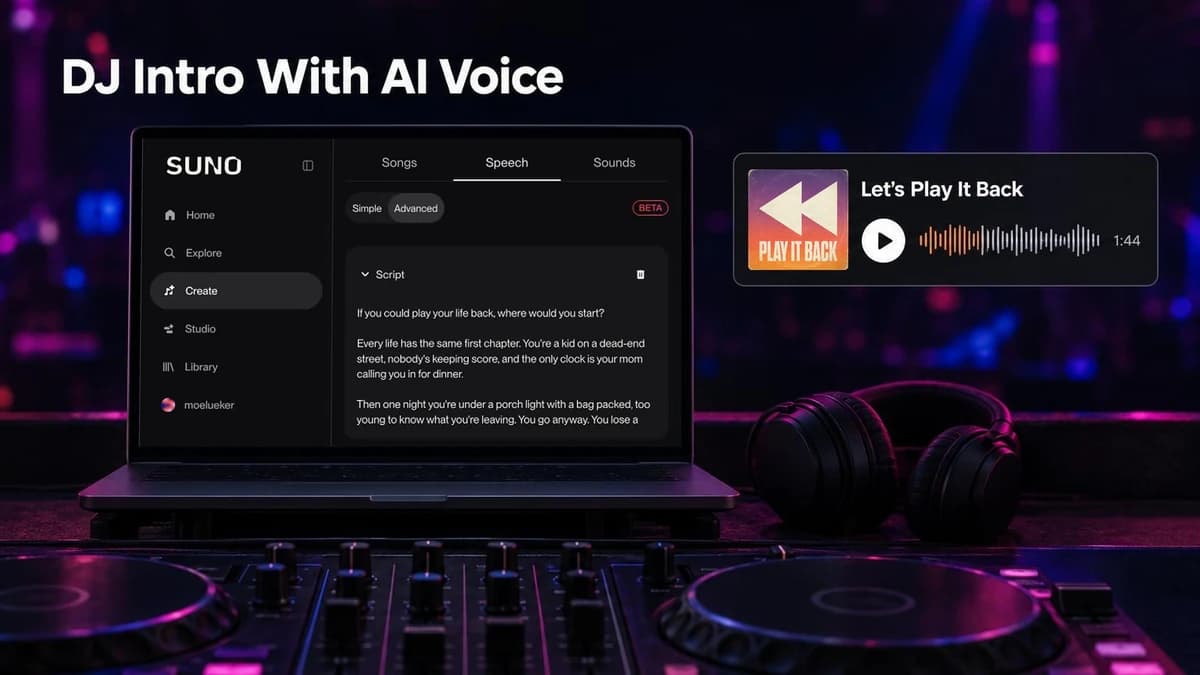
I made a festival-style intro with AI, and you can hear all 1:44 of it below. It came from one script and one voice prompt in Suno Speech, a new Suno feature that is still in beta.
Press play first. Below you'll find the exact script, the exact prompt, the settings and three templates to copy.
Can AI make a DJ drop or intro?#
Yes. Speech takes something you've written plus a description of the voice and musical style you want, and gives you spoken audio set to original background music. The voice and the music come out together as one track, so it works as a DJ voice generator and DJ intro maker with the music already built in. The same recipe should work as a DJ drop maker too, though I've only rendered an intro so far.
I used mine as an album intro, but a festival intro, a concert intro or the first minute of a DJ set follows the same shape. Suno's own announcement is at Introducing Speech (beta).
Suno sponsored the video I made this in, so thank you to the team there. The script, the prompt and the opinions are mine.
What is the difference between a DJ drop and a DJ intro?#
A DJ drop is a short voice tag, a few seconds long, usually a name or a single line. A DJ intro is a longer opening piece that sets the mood before the first track. Mine runs 1:44, so it's an intro.
The recipe is the same for both. Using Speech as an AI DJ drop generator just means a one-line script instead of a page.
What should a DJ intro say?#
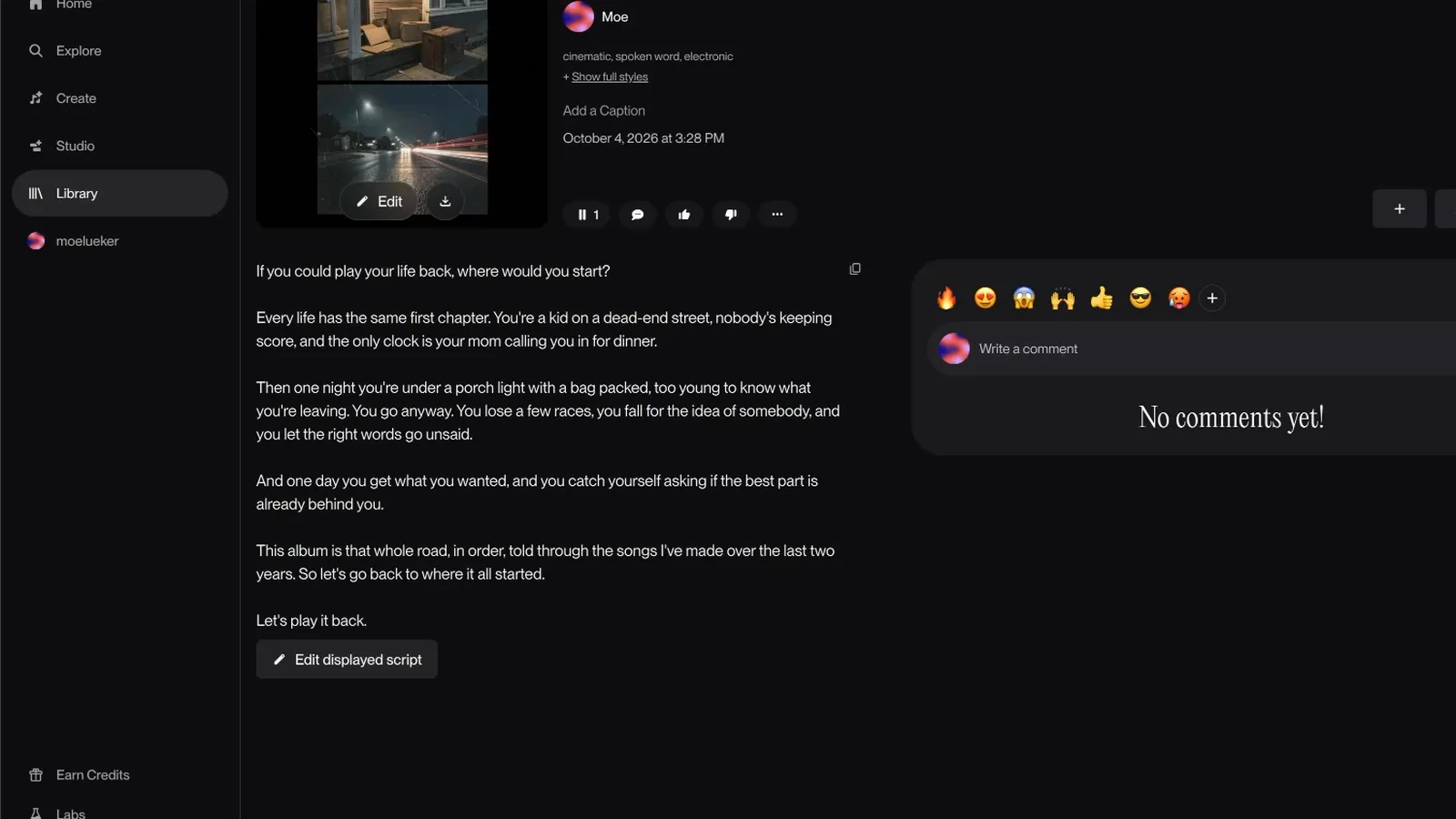
Here is the full script I typed into the Script box, word for word.
If you could play your life back, where would you start?

Every life has the same first chapter. You're a kid on a dead-end street, nobody's keeping score, and the only clock is your mom calling you in for dinner.

Then one night you're under a porch light with a bag packed, too young to know what you're leaving. You go anyway. You lose a few races, you fall for the idea of somebody, and you let the right words go unsaid.

And one day you get what you wanted, and you catch yourself asking if the best part is already behind you.

This album is that whole road, in order, told through the songs I've made over the last two years. So let's go back to where it all started.

Let's play it back.
Suno shows the script as text on the track page.
The script has four parts, and you can reuse the shape for any intro:
- A question. It opens with "If you could play your life back, where would you start?" and the listener has something to answer in their head from the first second.
- A build through short scenes. A kid on a dead-end street, a bag packed under a porch light, getting what you wanted and wondering if the best part is behind you. Short scenes give the voice room to pause.
- The reveal of what this is. "This album is that whole road, in order, told through the songs I've made over the last two years." This is where the listener finds out what they're about to hear.
- The name as the last line. "Let's play it back" is the title of my album, so the last thing you hear is the name.
For a DJ set, the reveal is who's playing, and the last line is your name or a line that kicks off the first track.
My script is 135 words, and the finished track runs 1:44.
How do you get the festival sound?#
The Tone box carries the delivery and the music. This is the full prompt I used:
Deep cinematic male narrator, like the voice that opens a festival headliner set. Slow and deliberate with long pauses, calm at first, growing in intensity with every sentence until the last line lands big. Underneath, only a dark sustained synth pad and distant crowd noise at the start. Halfway through, a warm nostalgic piano joins the pad, then a slow riser and a filtered four-on-the-floor kick fade in, a snare roll builds under the last two sentences, ending on one huge impact and a long reverb tail right after the final word. No singing.
Here is what each part does:
- The voice. It names a familiar job, the announcer who opens a festival headliner, instead of listing vocal traits.
- The pacing. Slow, with long pauses, calm at first and bigger with every sentence. The voice gets an arc, and the pauses are where the music gets heard.
- The music, in order. A dark synth pad and distant crowd noise first. A warm piano halfway through. Then a slow riser, a filtered kick and a snare roll under the last two sentences. I wrote the music as a timeline so it builds with the words.
- The ending. One huge impact and a long reverb tail right after the final word.
- "No singing." It keeps the track spoken. Suno tagged mine cinematic, spoken word, electronic.
To reuse it, swap the voice line and the sounds and keep the timeline.
How to make a DJ drop or intro in Suno, step by step#
You can watch me make this intro at https://youtu.be/xllSwcOZMK8?t=536 or follow the clicks here:
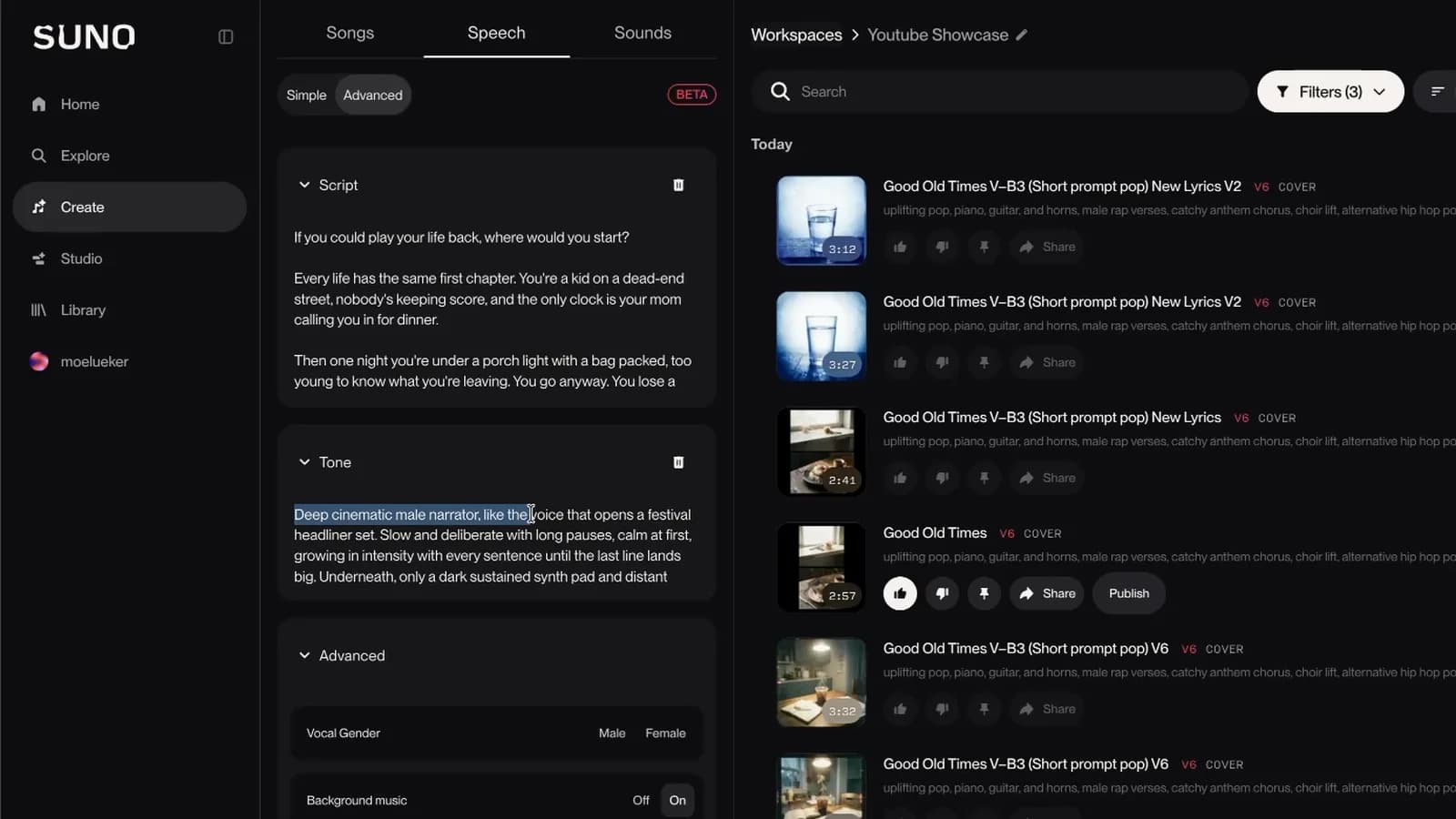
- Open Suno, go to Create and click the Speech tab, next to Songs and Sounds. A red BETA badge sits at the top right of the panel.
- Switch from Simple to Advanced. Simple is one prompt box. Advanced splits the words from the delivery.
- Paste your intro into Script. This box holds the exact words.
- Paste your voice and music description into Tone: delivery, pacing, mood and setting.
- Open the Advanced section. Set Vocal Gender (Male or Female), Background music to On and Variety to zero. I used zero because my tone prompt was already specific.
- Click Create and listen.
I liked what came back and kept it as is.
I cover the whole feature, Simple mode included, in my step-by-step guide to Suno Speech. Speech is in beta, so screens may change. I have not tested what it costs, how long a script can be or which languages it supports, so check Suno for those.
DJ drop and intro templates you can copy#
After the album intro, I rendered all three of these in Speech with the same Script plus Tone structure. Each one has its audio above the prompts, so you can hear what a prompt gives you before you copy it. Swap the square-bracket names for yours.
Template A: DJ set opener (about 30 seconds)#
It swaps my opening question for a statement. One short line follows the name.
Script:
Tonight there is no playlist and no second take. There is one room, one sound system, and a few hundred people who chose to be here instead of anywhere else. So put your phone away and find the people you came with. This is [DJ NAME]. And this is where it starts.
Tone:
Low, calm female announcer with a slight echo, like a stadium PA right before the lights go out. Almost a whisper at first, firmer with every line. Underneath, a dark sub-bass drone and soft vinyl crackle. A filtered techno kick fades in after the second sentence, the hi-hats open up, a white-noise riser climbs under the last two sentences, everything cuts to silence for one beat before the final line, then one deep kick drum and a long reverb tail. No singing.
Template B: short DJ drop (5 to 10 seconds)#
This is the drop: one line, with the name on a bass hit.
Script:
You are locked in with [DJ NAME].
Tone:
Deep, confident male radio voice, close to the microphone, dry and punchy. One short reversed cymbal swell before the first word, a single heavy bass hit on the name, then a one-second echo tail. No melody, no singing, no background music after the tail.
Template C: concert walk-on (about 20 seconds)#
A concert intro that ends on the band name.
Script:
Some of you drove four hours to be here. Some of you have waited a year. All of you know every word. So when the lights go down, make sure they can hear you backstage. Ladies and gentlemen, please welcome [BAND NAME].
Tone:
Gravelly male voice with the warmth of an old radio host, but confident and loud from the first word, getting bigger with every sentence until he is shouting the band name over the crowd like an arena announcer. Underneath, a roaring stadium crowd and a sustained guitar note with feedback from the start. Pounding floor toms come in after the first sentence and speed up, the guitar swells, a riser climbs under the last sentence, and it ends on one crashing full-band hit with cymbals and a ringing power chord right after the band name, with the crowd erupting. No singing.
How do you use the AI intro in a DJ set or on an album?#
I made mine the first track of my album by adding it to the album and moving it to the front. You can listen to Play It Back on Suno.
For a DJ set, it's an audio file you download and play first. I have not tested it inside DJ software, so I won't give import steps. If you want to edit it or layer more audio on top, I walk through Suno Studio in my Suno Studio 2.0 full-song tutorial.
If you want a song to follow the intro, my own free AI music generator makes one from a prompt and lyrics.
For the lyrics and style prompts, I start in my free lyric and prompt generator, a custom GPT that more than 50,000 people have used.
The voice and the music will follow whatever you give them. Put your time into the script and the timeline in the Tone box.
Watch the full walkthrough on YouTube: https://youtu.be/xllSwcOZMK8
Some links above are affiliate links, so I may earn a commission at no extra cost to you. I only recommend tools I actually use.
Moe shares tool walkthroughs and lessons from real projects. Mechanical engineer, then venture capital, now building AI tools for creators and small businesses. More about Moe