Suno Albums: How to Make an Album in Suno (I Built One)
Suno Albums is live. This is how I turned my best Suno songs into an 11-track album: theme, cover art, v6 remasters, a Speech (beta) intro and publishing.
 By Moe Lueker
My best Suno songs were buried in a library next to hundreds of test versions. People kept asking in the comments what a song was called and where they could listen to it, and I never had a good answer.
Suno Albums fixes that. It went live on October 5, and I used early access to turn two years of tutorial songs into one eleven-track release called Play It Back. This is how I built it, including the two parts that took the most thought: bringing old songs up to the v6 sound, and giving the album a proper intro.
What Suno Albums is and where to find it#
An album is a release on your Suno profile with its own title, description, cover art and track order. You build it from songs already in your library, or you make new ones for it.
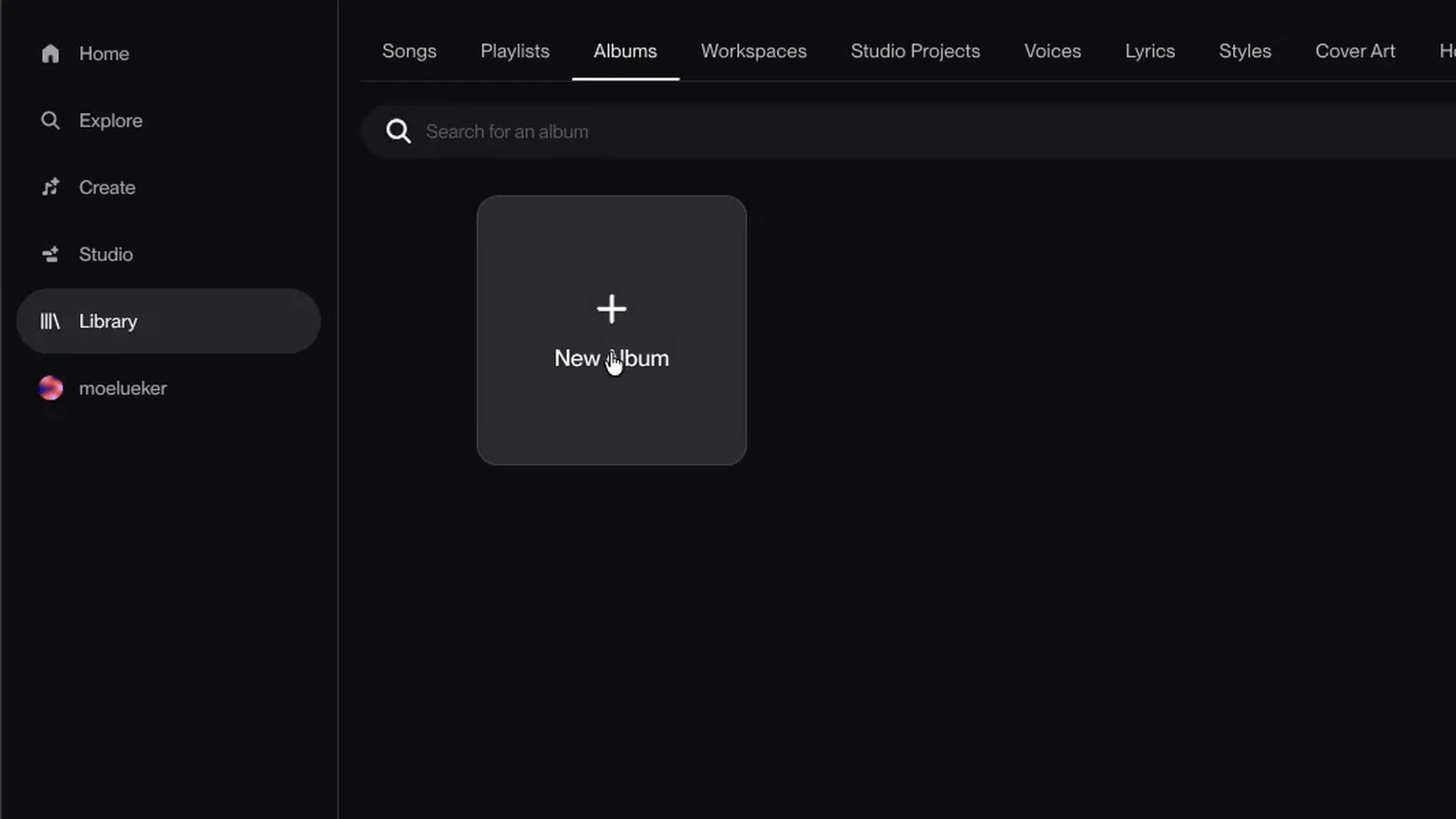
Open your Library and you'll see a new Albums tab next to Songs and Playlists. Click New Album and you get a short form: title, type, description and cover.
Suno sponsored the video and gave me early access to Albums, so thank you to the team there. The album, the choices and the opinions are mine.
Start with a theme, then pick the songs#
I didn't want a random best-of. So before adding anything, I listened back to my favorite songs from the last two years and noticed that almost all of them are about the same thing: growing up and looking back. One is about playing in the street as a kid. One is about leaving your hometown. One is about the good old times.
That became the theme. The album is mixed-genre, and the songs sit in the order a life happens. The name came out of that: Play It Back. It's a play on going back through my own catalog, and it fits the story the songs tell.
If your songs don't share a genre, look for what they share instead. A theme does more for an album than a matching style.
Name it and make the cover#
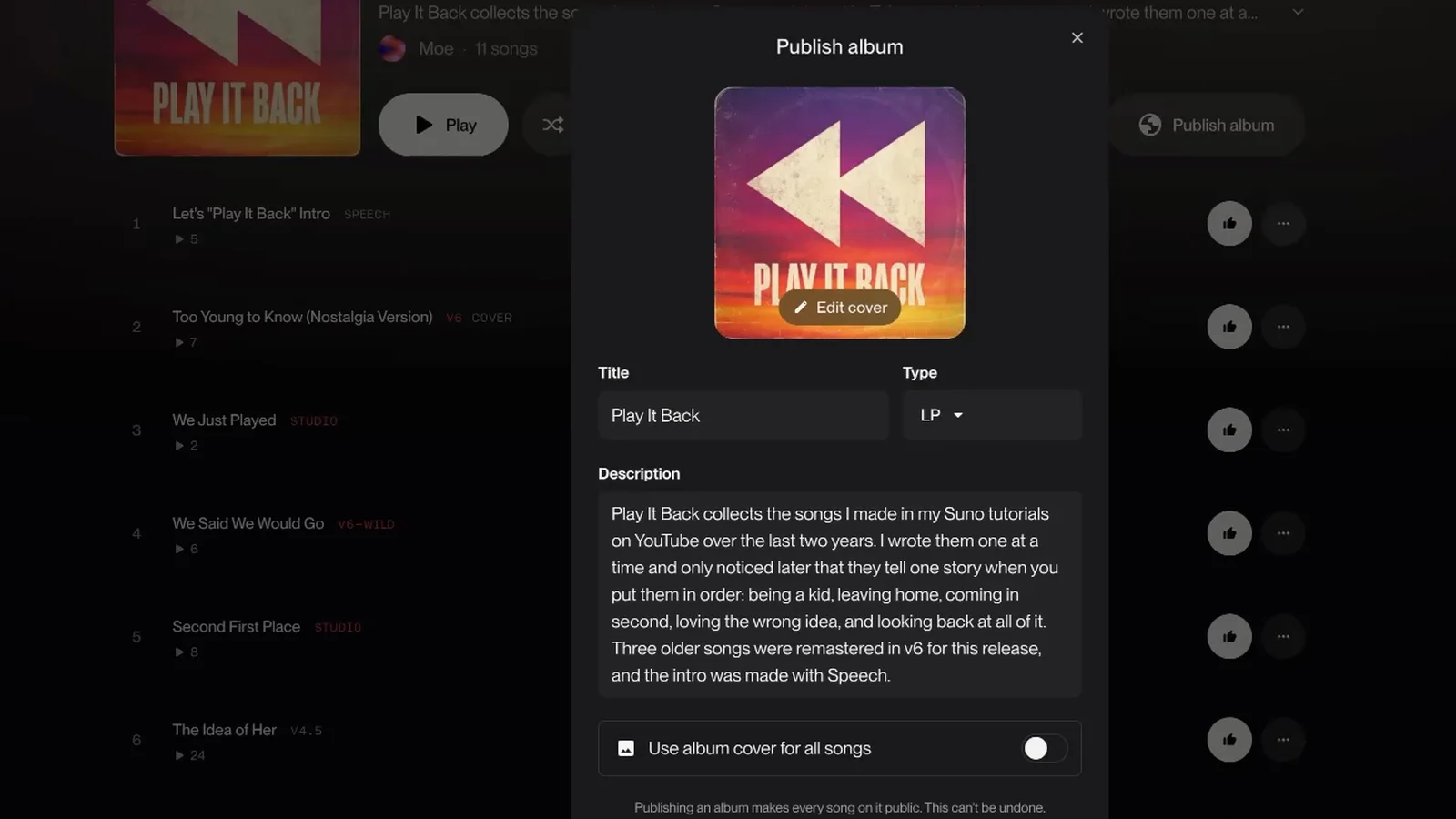
In the form I set the title to Play It Back, the type to LP, and wrote a description that says what the album is about.
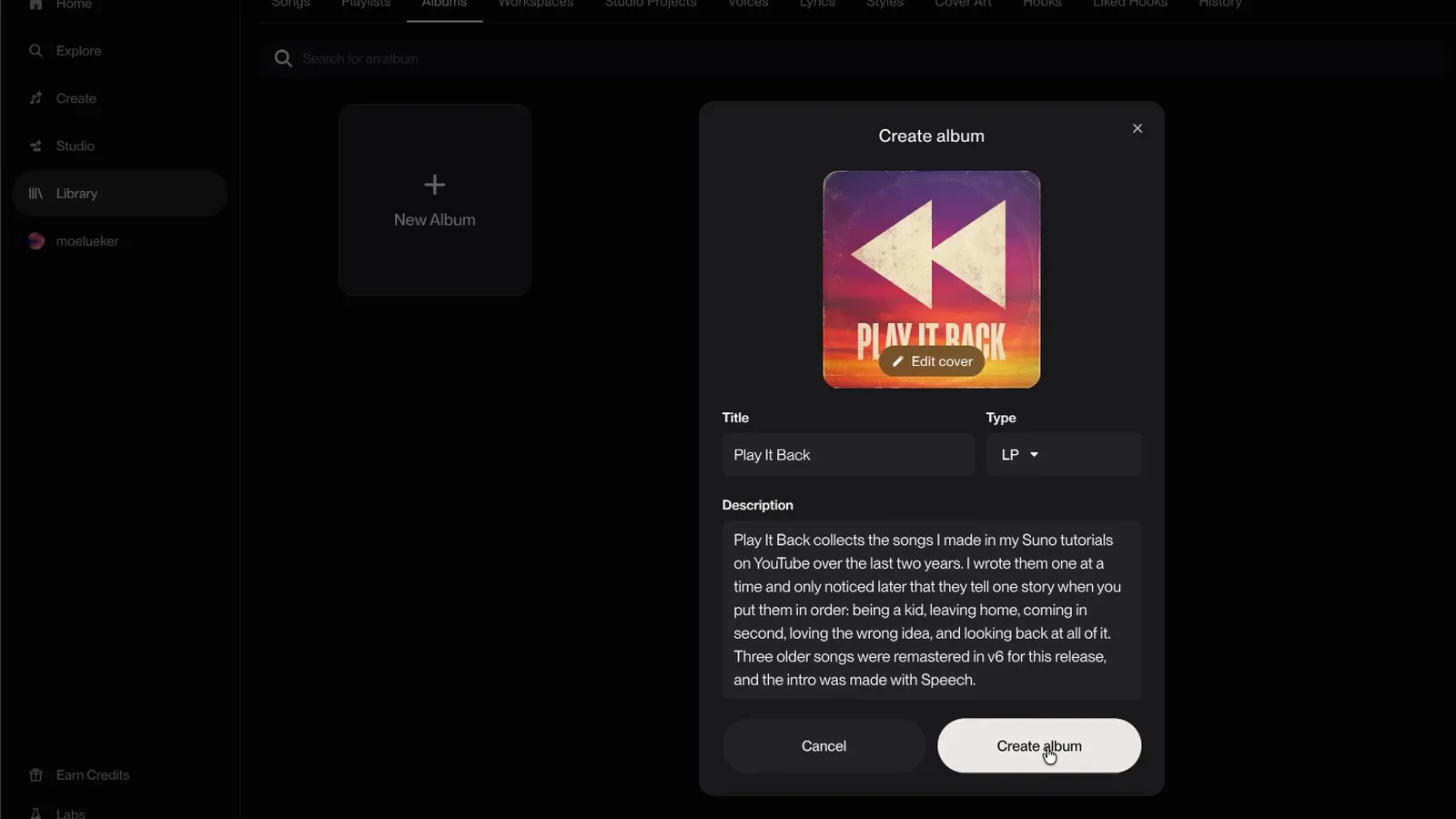
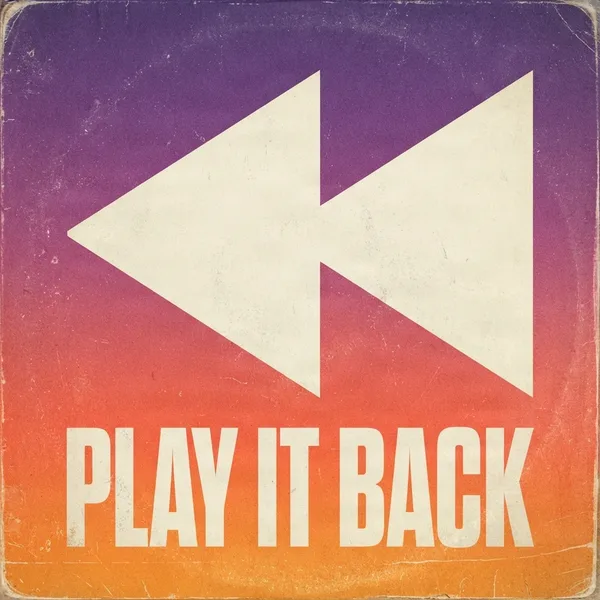
For the cover, click Edit cover. You can upload your own image or create cover art inside Suno. The preset styles are good for ideas, and you can describe what you want in plain words. My first tries with a short prompt didn't fit, so I wrote a detailed one and switched to Advanced, which costs 20 credits per run. My prompt started like this:
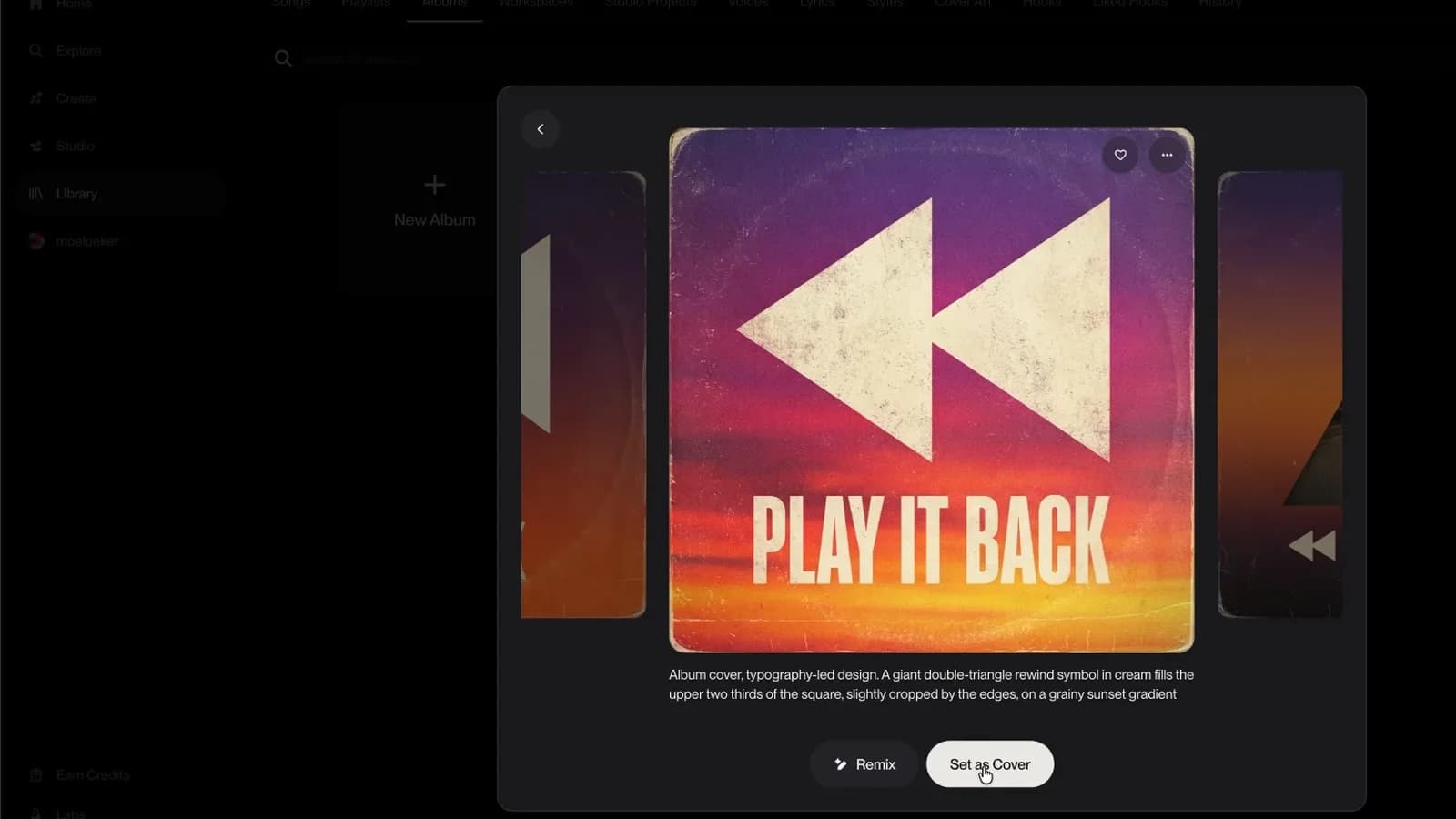
Album cover, typography-led design. A giant double-triangle rewind symbol in cream fills the upper two thirds of the square, slightly cropped by the edges, on a grainy sunset gradient.
I picked the version with the rewind symbol and the album name on it. Put the name on the cover. It makes the album look like a release instead of a folder.
Add your songs, then fix the old ones#
Open the album, click Add songs, and search or filter your library. The plus button adds a track. You can rename a song right inside the album, which matters when your library is full of names like "V6-WILD-1". Clean those up before anyone sees them.
Some of my songs were made on older models, and next to v6 the vocals sound a little twitchy. Suno gives you two ways to bring an old song forward, and they behave differently:
| Remaster | Cover | |
|---|---|---|
| Where it is | Three dots, Edit, Remaster | Three dots, Remix, Cover |
| Settings I used | Whole song selected, Variation on Subtle, Style on Neutral | Audio Influence at 80, Style Influence and Weirdness down, Variety off |
| What you get | The same song with a cleaner sound | A fresh take, and the style can shift |
I ran both on "The Idea of Her", a v4.5 song. The remaster stayed close and sounded cleaner. The cover drifted in style, and I liked that too. In the end I kept the original on the album, because I like how that version sounds. Not every old song needs fixing.
"Whisper in My Head" went the other way. It started life as a v4.5 test called "Country Hip Hop Fusion", and the v6 version is the one on the album.
If you want every v6 setting explained, I cover them in my Suno V6 guide. Two songs on this album come from other tutorials: "Too Young to Know" from my 150-song test of V6, Wild and Mini, and "We Just Played" from the Suno Studio 2.0 walkthrough.
Give the album an intro with Speech (beta)#
Festival sets open with a spoken intro that builds until the first song hits. I wanted that for the album, and Suno's new Speech feature can make it. Speech is in beta right now.
Go to Create and open the Speech tab. Simple mode takes a short prompt. Advanced gives you a Script box for the exact words and a Tone box for the delivery, plus Vocal Gender, Background music and Variety.
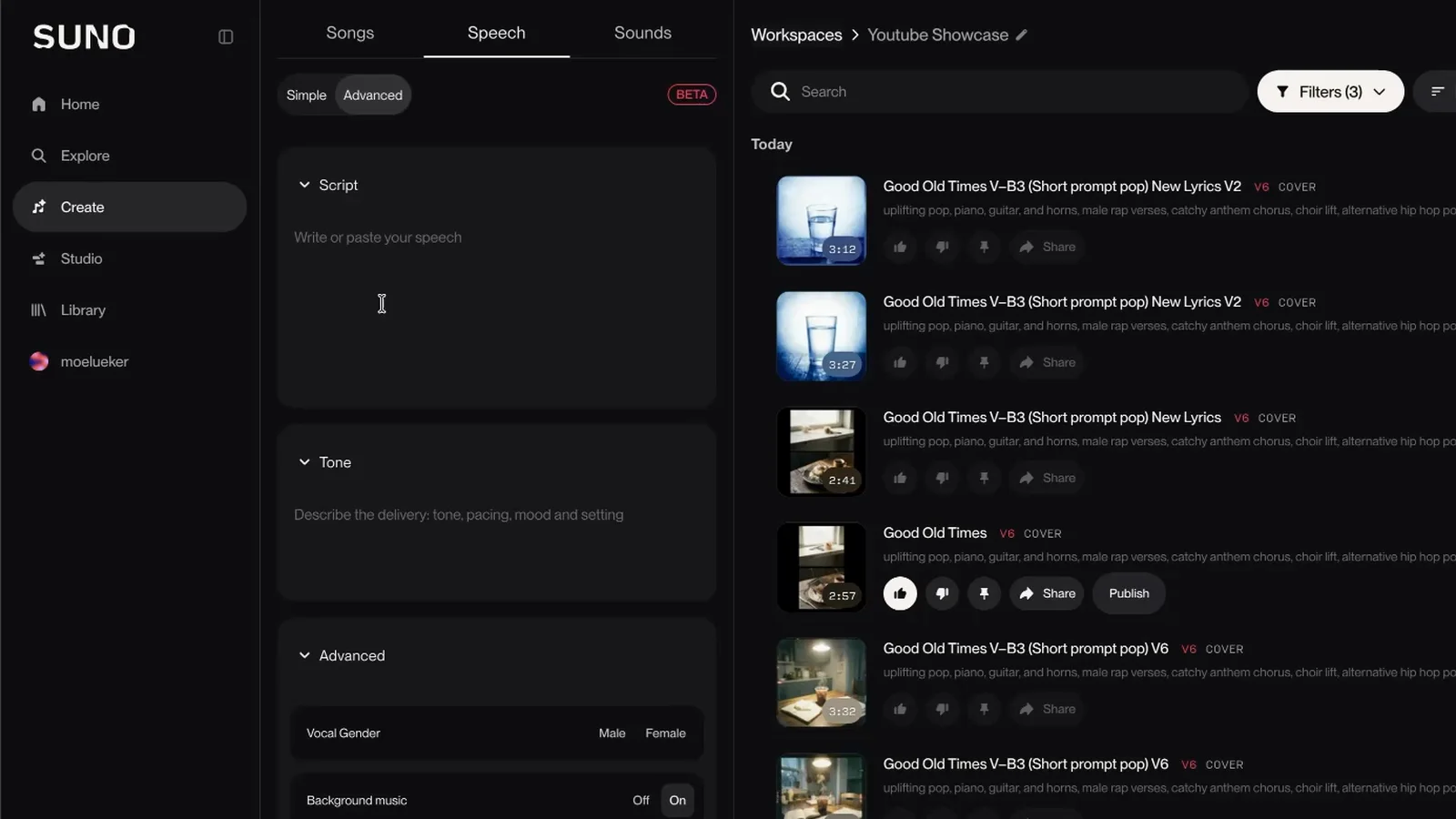
My script opens with "If you could play your life back, where would you start?" and ends on the album's name. For the tone I asked for a deep cinematic male narrator, like the voice that opens a festival headliner set. I set the voice to Male, left Background music on, and turned Variety to zero, because my tone description was already specific.
The result runs 1:44 and it's now track one.
I take the script and the tone prompt apart in how to make a festival-style DJ intro with AI.
Put the tracks in order and publish#
Drag tracks to reorder them. Mine ended up like this:
- Let's "Play It Back" Intro (made with Speech)
- Too Young to Know (Nostalgia Version)
- We Just Played
- We Said We Would Go
- Second First Place
- The Idea of Her
- Whisper in My Head
- Almost Said It
- Dancing on a Rainbow
- Good Old Times
- Too Young to Know (Dance Version)
I had two versions of "Too Young to Know" and put the dance version near the top at first. Looking at the full list, the nostalgia version belonged at the start and the dance version at the end.
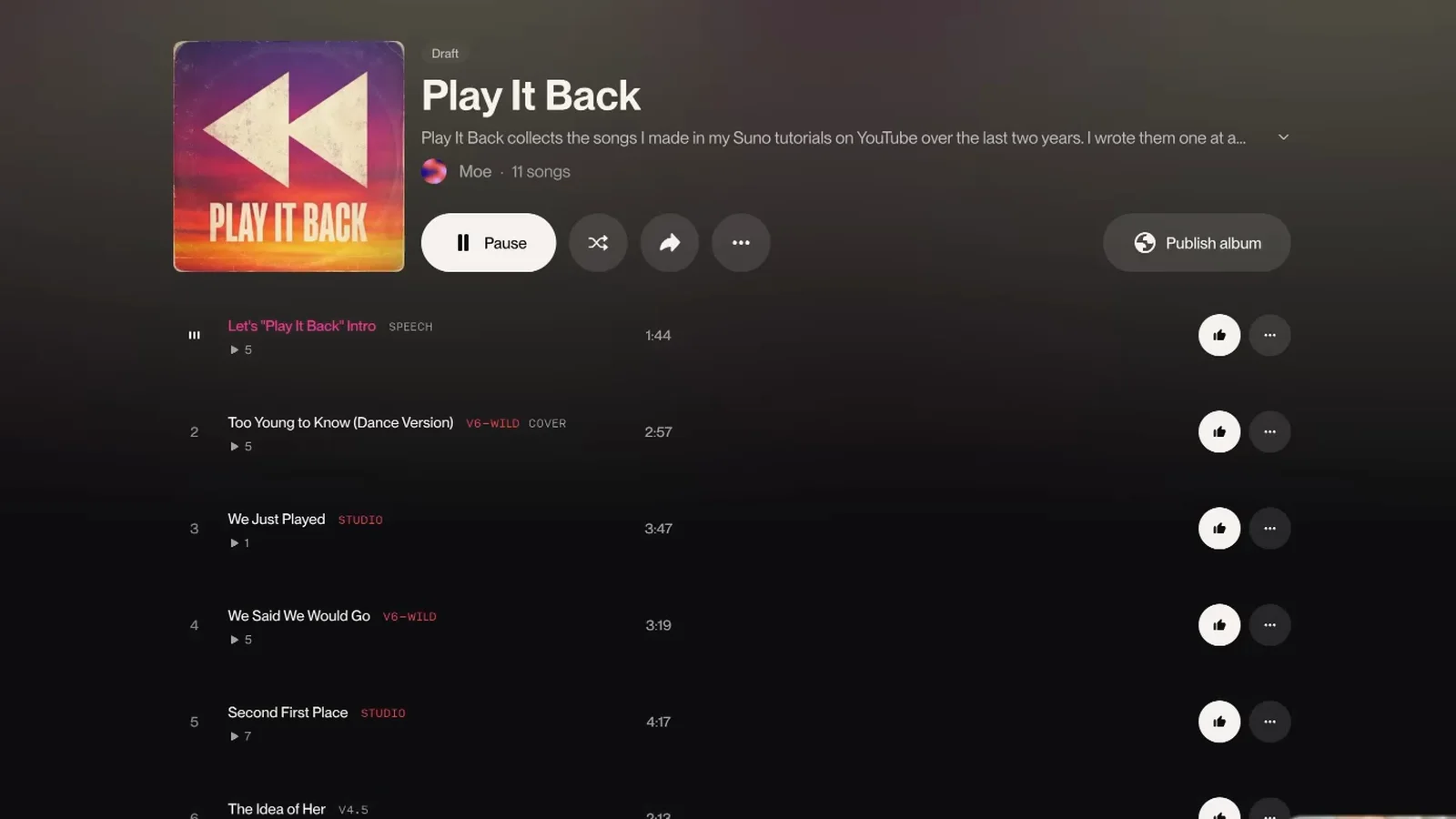
Then click Publish album. Two things to know before you do. There's a toggle called "Use album cover for all songs", which I turned off so each song keeps its own art. And Suno tells you plainly that publishing an album makes every song on it public, and that it can't be undone.
You can listen to Play It Back on Suno and tell me which song is your favorite.
Does a Suno album go to Spotify?#
No. This is the question I get most. Albums live on your Suno profile. If you want your music on Spotify or Apple Music, you still need a distributor for that.
What I use to write the songs#
The lyrics and style prompts start in my free lyric and prompt generator, a custom GPT that more than 50,000 people have used.
The prompting techniques and examples are in my Suno AI music guide, which covers the v6 models.
I also built a free AI music generator of my own, if you want to make a song right in your browser.
A playlist is a pile of songs. An album is a decision about which ones belong together and in what order. Making that decision is what turned two years of test versions into something I'd actually send someone.
Watch the full walkthrough on YouTube: https://youtu.be/xllSwcOZMK8
Some links above are affiliate links, so I may earn a commission at no extra cost to you. I only recommend tools I actually use.
Moe shares tool walkthroughs and lessons from real projects. Mechanical engineer, then venture capital, now building AI tools for creators and small businesses. More about Moe
Get new videos in your inbox
Weekly AI workflows. No fluff.
No spam. Unsubscribe anytime.