What Is Hostinger Connector and How to Use It
Hostinger Connector is a free Claude Code plugin that lets your AI deploy websites, not just write code. Here is what it does, how to set it up, and what it costs.
 By Moe Lueker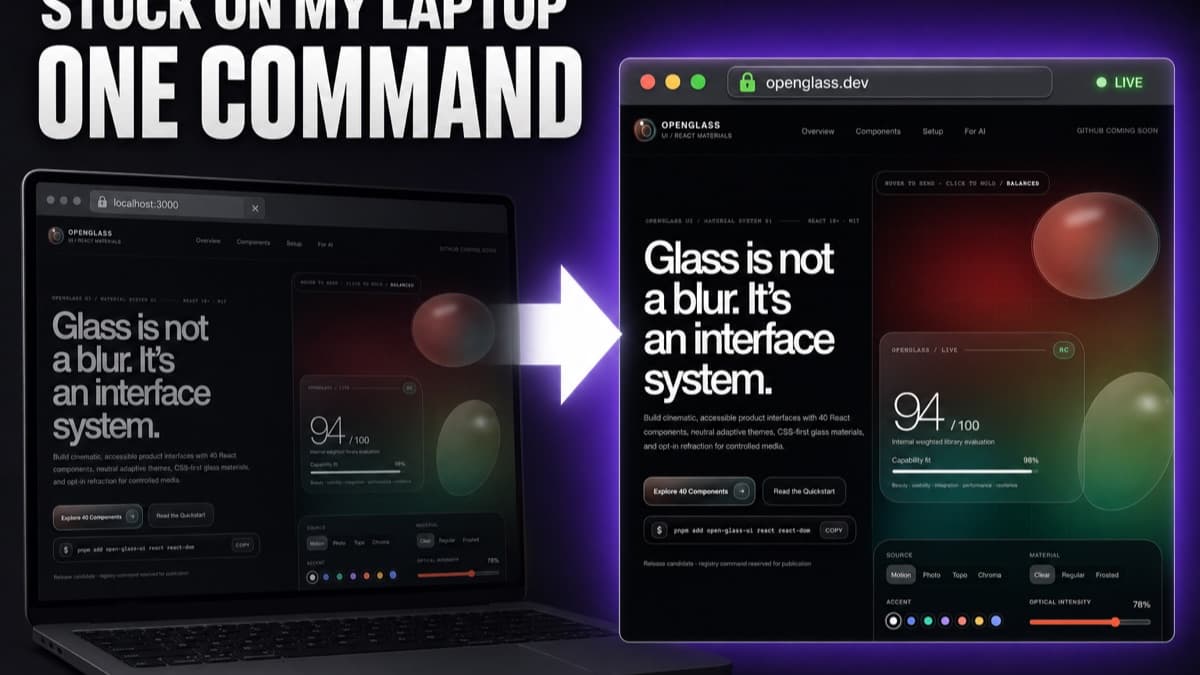
Your AI coding tool can write a whole website in minutes. It just cannot put it online. That is the gap Hostinger Connector fills.
In short: Hostinger Connector is a free plugin that gives your AI coding agent direct access to your Hostinger account. Instead of only writing code, the agent can deploy it, buy a domain, set up SSL, and manage the whole thing without you ever leaving the chat.
Here is the plain-English version of what it is and how to use it.
What Hostinger Connector actually is#
Under the hood it is a Hostinger MCP server. MCP is just the standard that lets an AI agent safely talk to an outside service. So when you install the Connector, Claude Code (or Cursor, or Codex) can reach your real Hostinger account: your websites, domains, DNS, databases, email, and VPS.
The important word is deploy. Most AI tools stop at generating code on your laptop. The Connector is the piece that ships it to a real, public URL.
What you can do with it#
Once it is connected, from a single chat you can:
- Publish a site you built to a live URL with real HTTPS
- Buy or connect a custom domain and point DNS
- Redeploy after an edit in seconds
- Spin up a VPS, set up business email, or run a store
- Let it open automatic security-patch pull requests you can review and merge
You are managing hosting by talking to your agent, not clicking around a dashboard.
How to set it up#
It takes a couple of minutes.
- Open Claude Code and run
/plugin install hostinger(or install it from the Claude plugin directory). - It opens your browser. Log into Hostinger and authorize it.
- Inside Hostinger, pick which parts of your account the agent can use (websites, domain and DNS, subscriptions, email, VPS) and generate an API token.
- Paste the token where Claude tells you. Do this off camera if you are recording, so nobody can copy it.
- Ask Claude to check the connection. When it says connected, you are done.
No config files to hand-edit, and the whole point is that it stays simple.
What it costs#
The plugin itself is free. What you pay for is a Hostinger plan, and plans start at $3.99/mo. I use a plan that gives me unlimited websites so I can publish as many projects as I want without paying more per site. You also get a free domain for the first year, managed SSL, and a CDN. Use code MOE-LUEKER for 10% off.
See it in action#
In my full video I install the Connector and use it to take two sites live, including my own component library, start to finish. If you want the step-by-step build in writing, read how to build AND deploy a website with Claude Code.
Want to use it with a beautiful free UI kit? I give away OpenGlass UI, a liquid glass component library for React, in the same video. And if you are more into always-on AI agents than websites, my Hermes agent setup for $8 a month runs on the same Hostinger account.
Hostinger Connector is the deploy button your AI coding tool was missing. Set it up once and shipping stops being the annoying part.
Moe shares tool walkthroughs and lessons from real projects. Mechanical engineer, then venture capital, now building AI tools for creators and small businesses. More about Moe