Gemini Omni Prompts: 20 Copy-Paste Effects That Look Real
20 Gemini Omni prompts that turn one boring clip into Hollywood-level effects, plus the one formula behind all of them and what I learned testing it.
 By Moe Lueker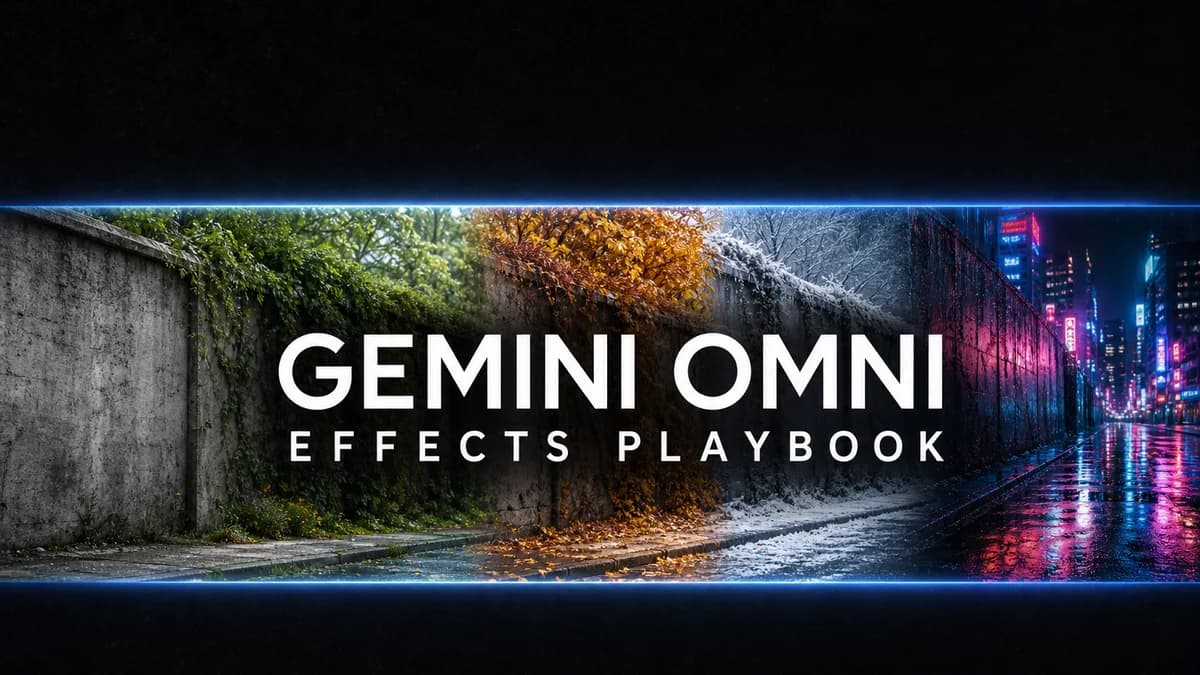
The best Gemini Omni prompts all share the same shape, and once you see it you can write your own. After two weeks of testing, I found that the prompt matters more than the effect. A great effect with a sloppy prompt changes your face or drops your motion. A boring effect with a tight prompt looks like it came out of a studio.
So this is the part most tutorials skip: the exact formula behind the 20 Gemini Omni prompts I kept reusing, the rules that separate a real result from an obvious paste job, and what actually surprised me. If you want to watch each one run, I walk through all 10 effects, easiest to hardest, in the full video breakdown.
What one clip can become#
Gemini Omni is Google's any-to-video model. You hand it a clip you already filmed and describe the change in plain English. From a single 10-second take of me, the same prompt family produced an apple turning to solid diamond, a neon Tokyo street behind me, four seasons ripping past in one continuous shot, a phone morphing to glass mid-sentence, and three apples turning into fireballs while I juggled. Your face and your motion stay locked the whole time. That consistency is the thing older tools never held.
The formula behind every prompt#
Here is the sentence shape. Learn this one thing and every prompt makes sense.
Keep [the person, motion, camera, pose, and expression] exactly the same.
Only change [the one thing you want]. Match it to the scene with realistic
lighting, shadows, reflections, and physics.
Constraint first, change second. You name what to protect, then what to swap. Skip the "keep this the same" half and Omni gets creative in the worst way, redrawing your face or re-animating your movement. Everything below is just this formula with the variables filled in.
Do this#
- Lock what matters first. Name the things that must not change: your face, your swing, the camera move.
- Change one big thing at a time. One clear swap beats five vague ones.
- Describe the light. "Match the lighting on me to the new scene" is the difference between fake and real. For anything glowing, add "let the light spill onto my face and hands."
- Name the timing for motion shots. "Keep the timing of every catch and throw identical" is what stops it from re-animating you.
- Use big, bold text if you add words. Small or fancy typography garbles. Large text renders clean.
- Build a style sheet for stylized looks. Write the style once, then reuse it and only change the action.
Avoid this#
- Do not stack a whole shot list into one prompt. Do it in steps.
- Do not use tiny on-screen text or complex logos. They break.
- Do not over-direct the camera. Simple moves hold up, wild moves confuse it.
- Do not accept the first miss as final. Reply with the fix instead of starting over. That back-and-forth is the whole point of the model.
The reference-image rule nobody mentions#
Some effects work with zero references. Some get much better with one. The rule:
- No reference needed: season changes, weather, outfit swaps, glass morphs, object swaps, fire effects, zooms. You describe it, Omni does it.
- One image helps: dropping in a real product, a specific logo, or a real collectible. Upload the picture and say "use this exact product."
- One video is the input: any effect that edits your own footage. That clip you filmed is the reference.
When you want a product to look exactly right, do not describe it in words. Words garble logos and packaging. Upload a clean photo of the real thing and tell Omni to match hand position, lighting, and shadows.
What actually surprised me#
A few things stood out after running dozens of these.
It feels like it does the physics, not just fakes it. The diamond swap refracted the light correctly into my hand, and the glass phone invented a believable version of whatever was behind it. Most tools guess at this. Omni looks like it is calculating it.
The simple prompt sometimes beat the detailed one. On the glass effect, my longer, more specific prompt was less consistent than the one-line version. Start simple, add detail only when the simple version misses.
The weakest effect was the flashiest on paper. The 20-locations montage holds your face perfectly, but the backgrounds read as AI, so it is more of a fun thumbnail moment than something I would post straight. Knowing which effects to trust is half the skill.
The money effect is the easiest one. Dropping a product into a clip you already filmed makes an ad with no studio and no crew. I hand the ad angle and the shot description to my AI Marketing Prompt GPT so I start from a real concept instead of a blank box, then swap the product into the shot with one image reference.
Where to run these#
You can try Omni free in the Gemini app, but it locks you out after a few generations. I run the whole list inside Artlist instead, where the same Google model comes with the four one-click Apps and no meter ticking down. It slots into the same no-credit-limit workflow I already used for AI video. When an effect needs your own face, a product or a camera move copied from a real video, Omni isn't the right tool; that's where Kling 4.0 and its reference videos come in.
Going deeper#
Twenty prompts and the formula are enough to clear the ladder and make your first batch of effects. When you are making these every week, the Pro Playbook is the expanded version: 150-plus prompts sorted by effect, a full style-sheet library for locked looks like pop-art and claymation, and complete product-and-ad frameworks with shot lists.
The effect is not the skill. The prompt is. Get the formula right and one boring clip turns into anything you can describe. Start with the full 10-effect walkthrough, then rewrite each prompt with your own footage.
Moe shares tool walkthroughs and lessons from real projects. Mechanical engineer, then venture capital, now building AI tools for creators and small businesses. More about Moe